View and execute queries
After creating a query in Query Builder, you can view its SQL script in SQL Editor and execute it.
View the SQL script
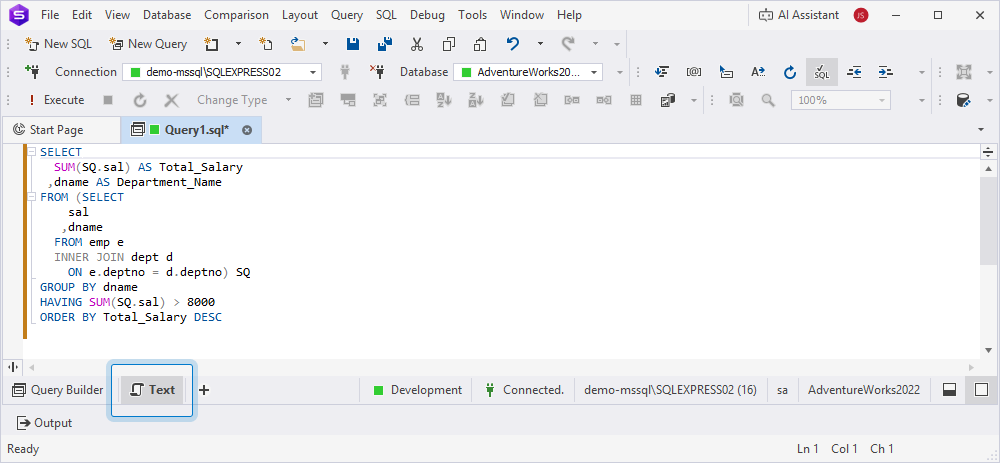
To open the script in SQL Editor, select Text in the bottom panel of the Query Builder document. This opens SQL Editor where you can view and edit the generated SQL query.
Execute the query
To run the query, do one of the following:
- On the Query toolbar, click Execute.
- Press F5.
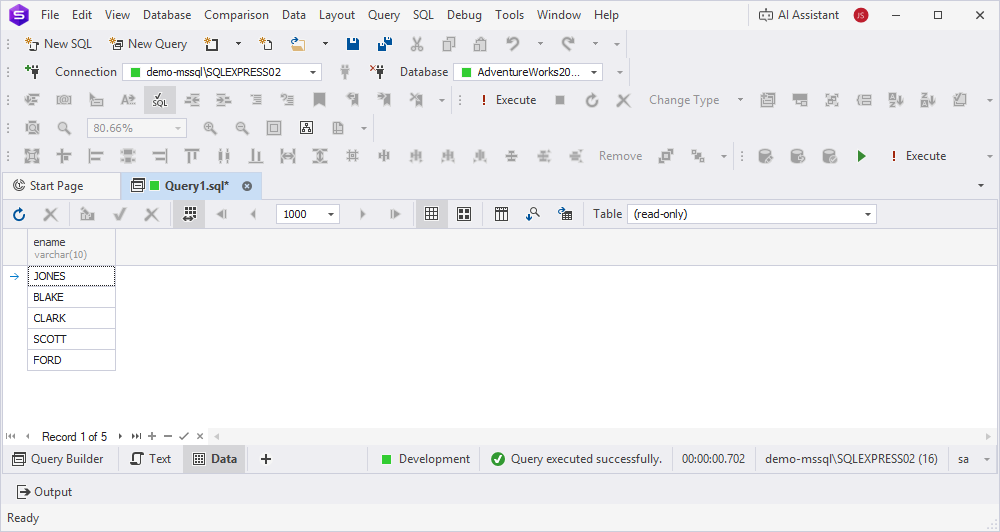
The results appear in the Data Editor grid. You can view them in either Grid View or Card View mode.