Expand wildcards
You can expand wildcard characters in SELECT statements to column names in the entire SQL document or in selected statements.
Note
Wildcards inside executable SQL code are expanded, while those inside comments or string literals are ignored.
When you expand wildcard characters without aliases, the object prefix is added automatically. If an alias is used, the object prefix is not added. You can configure qualification options in the Options dialog under Text Editor > Code Completion > Advanced.
Expand wildcards in the entire document
Use one of the following ways:
-
On the menu bar, select Edit > Advanced > Expand wildcards.
-
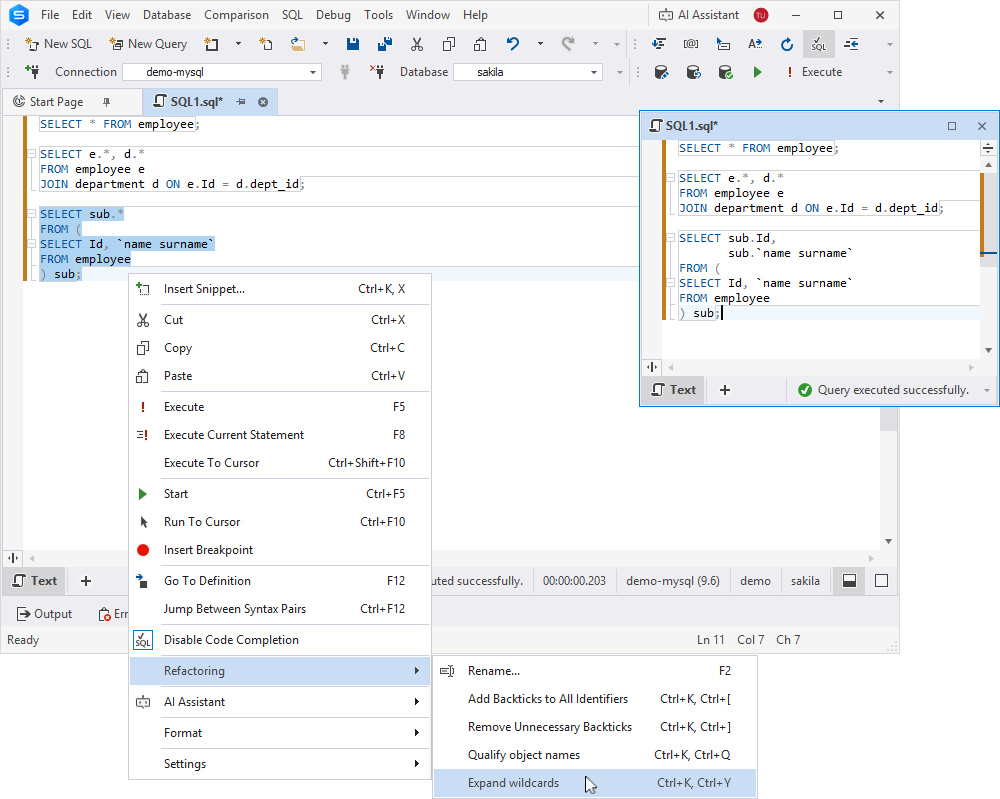
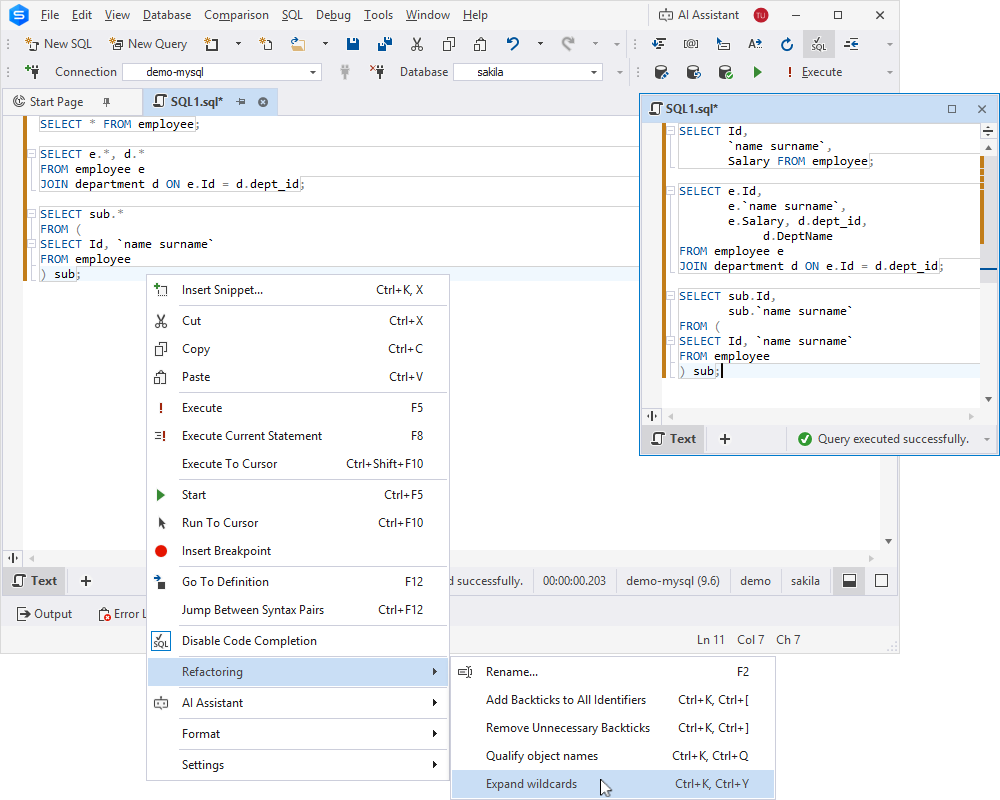
Right-click anywhere in the SQL document and select Refactoring > Expand wildcards.
-
Press Ctrl+K, Ctrl+Y.
The SQL document displays column names for all SQL statements instead of wildcards.
Note
Column names are formatted according to the settings in the active formatting profile.
Tip
To undo the wildcard expansion, press Ctrl+Z.
Expand wildcards in a statement
Use one of the following ways:
-
In the SQL document, place the cursor next to the wildcard you want to expand, then press Tab.
-
Right-click one or more selected statements and select Refactoring > Expand wildcards.
The SQL document displays column names for the selected SQL statements instead of wildcards.