View documentation
After the documentation is generated, dbForge Studio automatically opens it in your default browser, letting you view its layout and content.
Note
If you clear the Open documentation after generation checkbox in the Generate Documentation dialog, navigate to the folder where the documentation is saved to view it.
HTML file format
The generated documentation is saved in the specified folder. Fonts, images, scripts, servers, and styles are organized into corresponding subfolders.
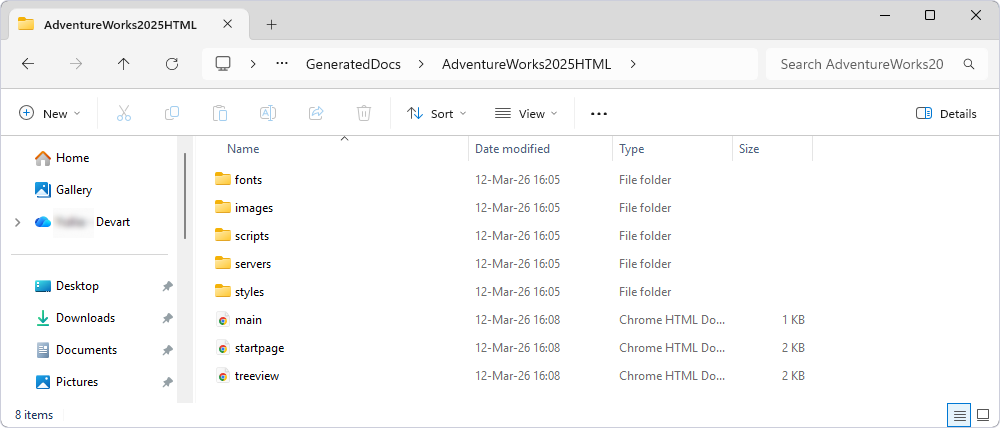
To view the generated documentation, open the main.html file and use the navigation tree to move through the documentation.
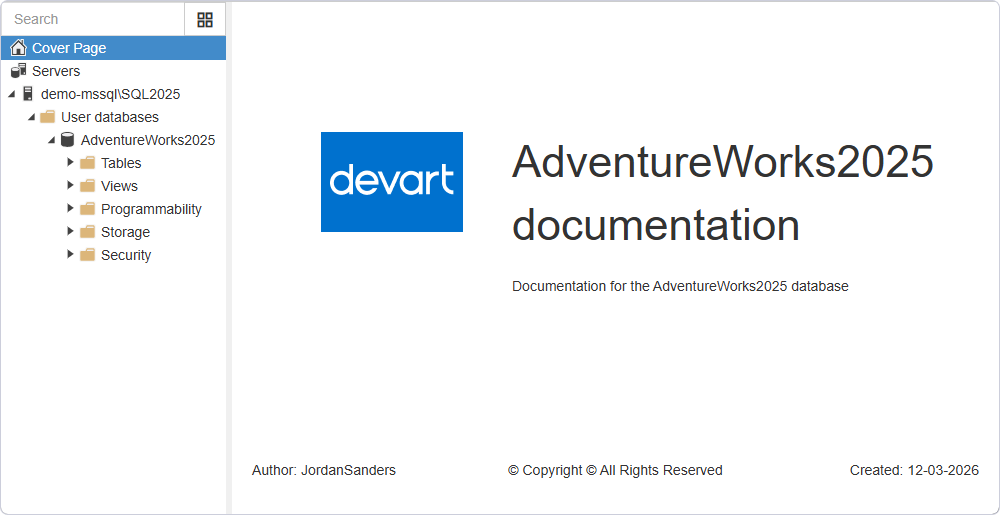
To view the generated documentation at the server level, open the <main_folder> > servers > <server_name>_<instance_name> and double-click the <server_name>_<instance_name>.html file. For example, the path to the folder may be as follows: D:\GeneratedDocs\AdventureWorks2025HTML\servers\demo-mssql_sql2025.
Note
The navigation tree for the documentation uses JavaScript. If JavaScript is turned off, some page content might not be available. For more information, see your browser documentation.
PDF file format
The generated documentation is saved in a single .pdf file in the specified folder.
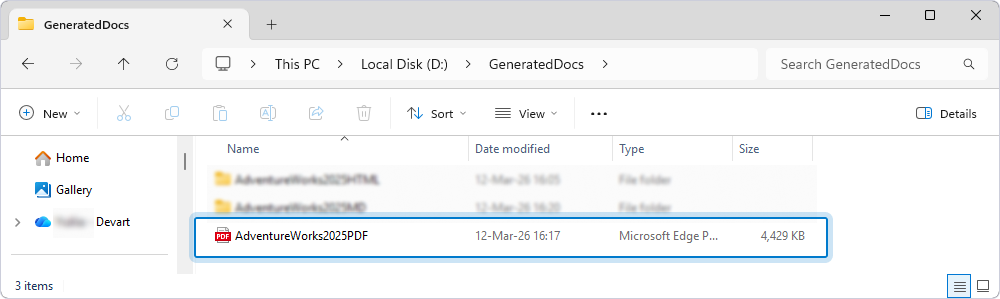
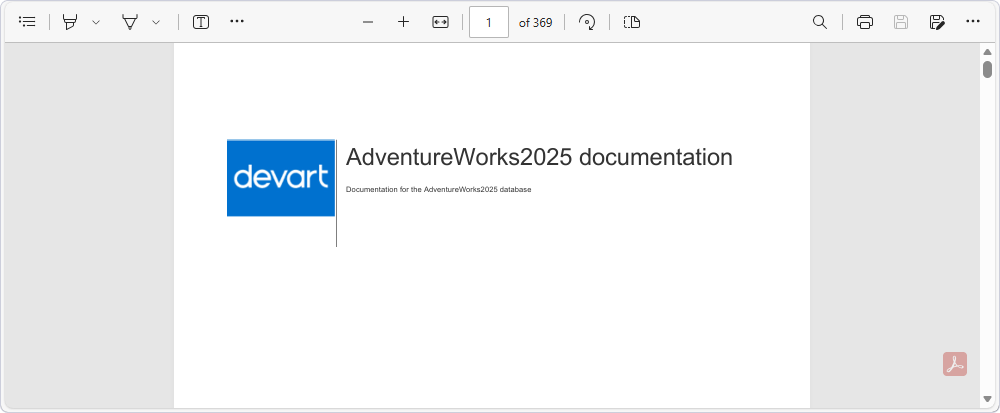
To view the generated documentation, open the PDF file in a PDF viewer. Use the navigation pane to move to the required section.
Markdown file format
The Markdown format is designed for saving documentation to a repository, such as GitHub.
The generated documentation is saved in <main_folder> > Servers.
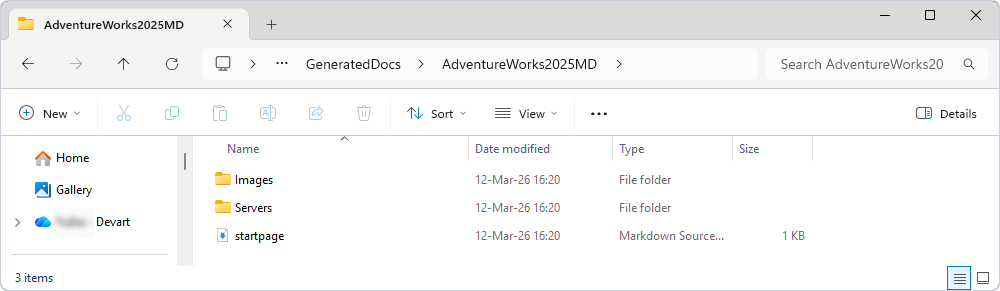
To view the generated documentation, open the Markdown file in a Markdown viewer. Navigate through the documentation by clicking the links in the visual editor.
For more information about supported documentation formats, see Documentation formats.