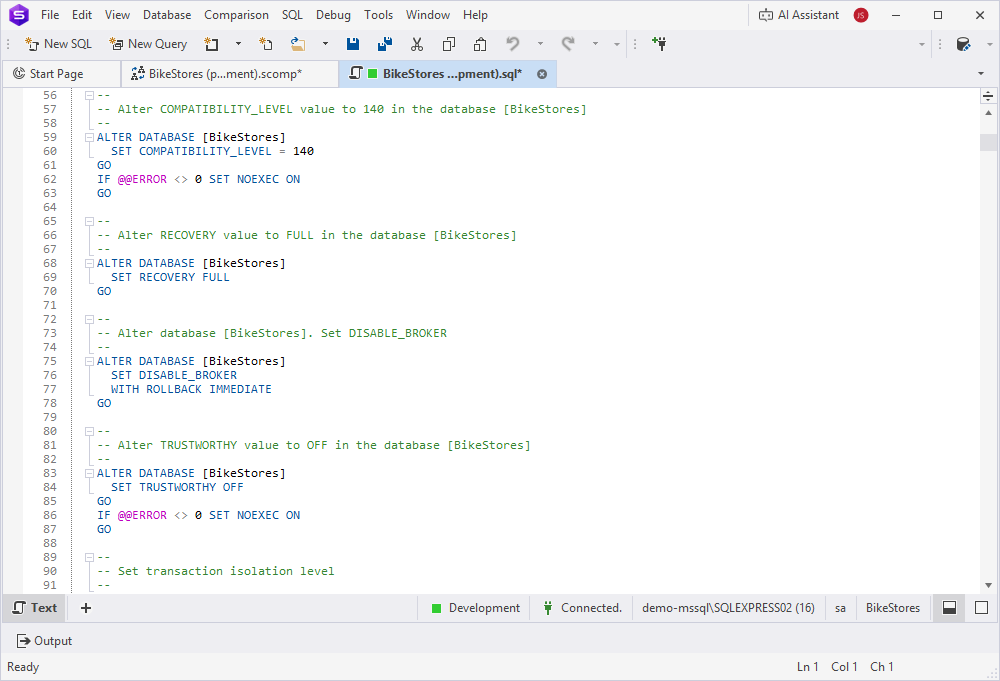
Create rollback scripts
To prevent issues during deployment, you can create a rollback script to undo changes and restore the SQL database to its previous state.
Note
Always create a rollback script before deploying database changes.
Workflow
To create a rollback script, use the same comparison settings as for a deployment script, but swap the source and target databases on the Source and Target page of the Change Schema Comparison Properties wizard. Then run the comparison again to generate the rollback script.
Prepare for deployment
Before deploying object changes, it is recommended to:
- Back up the database.
- Save the database structure to a scripts folder.
Create a rollback script
1. Open the Change Schema Comparison Properties wizard in one of these ways:
- In the top menu, select Comparison > Edit Comparison.
- On the Schema Comparison toolbar, click Edit Comparison.
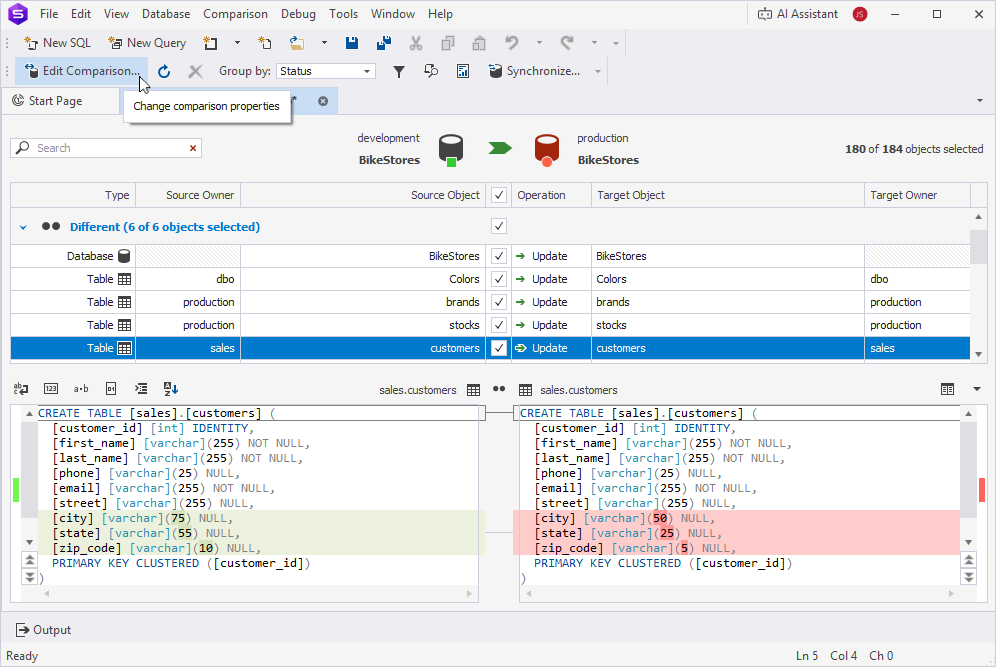
2. On the Change Schema Comparison Properties wizard, click  to change the direction of synchronization.
Note
Swapping source and target resets any manual schema or object mappings you’ve configured. You’ll need to recreate them.
3. Click Compare.
4. Review the database objects and their statuses in the document (.scomp).
5. At the top of the document, click  to open the Schema Synchronization Wizard.
6. In the Schema Synchronization Wizard, select the output options to generate the deployment script.
7. Click Synchronize.
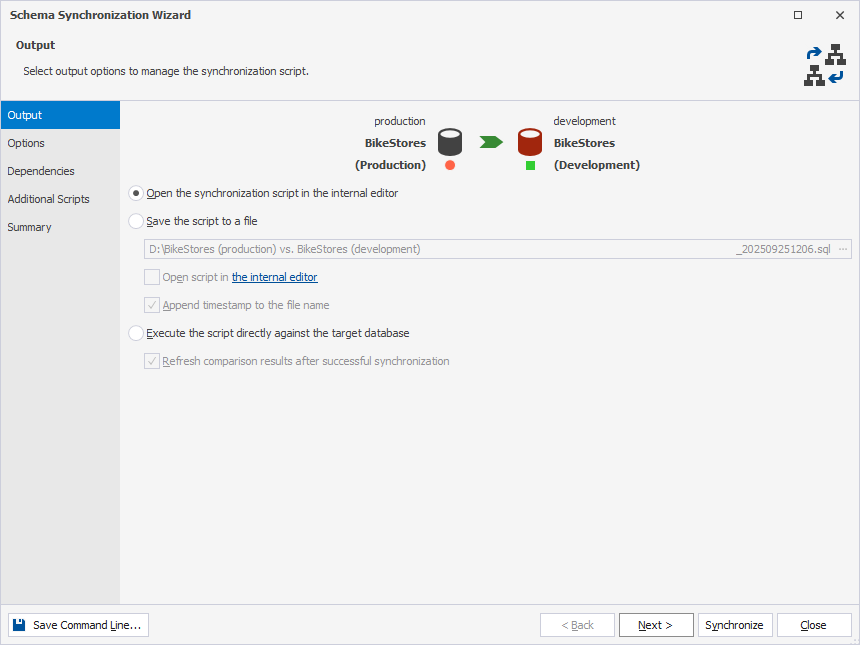
If you have chosen Open the synchronization script in the internal editor, the generated script opens in SQL Editor, where you can review and execute it.