Add custom scripts
You can add custom scripts that will run before or after data population on the Additional Scripts page of the Data Population Wizard.
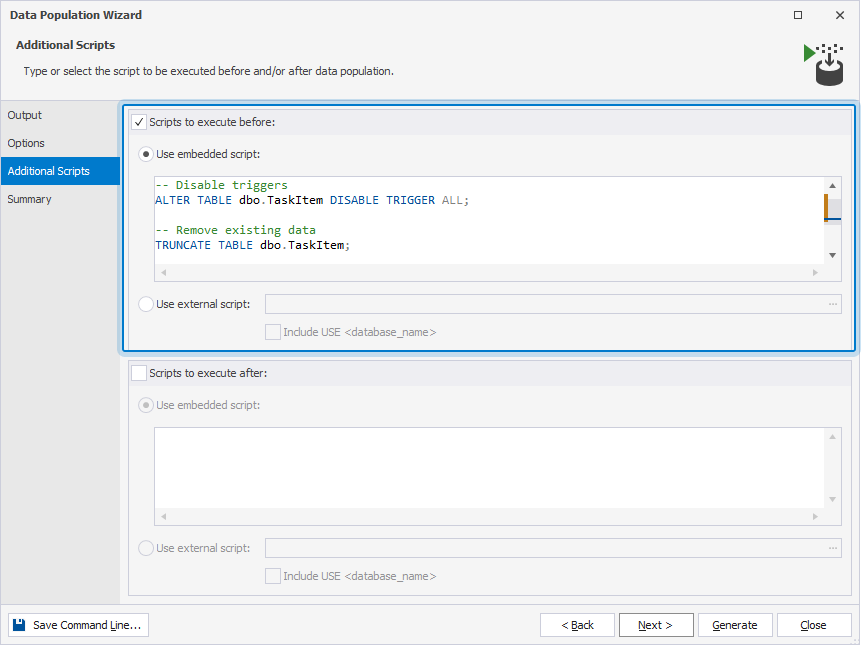
Add custom scripts to run before data population
1. In the Data Population Wizard, navigate to the Additional Scripts page.
2. Select Scripts to execute before.
3. Select one of these options:
- Use embedded script – Enter a script you want to run.
- Use external script – Specify the path to the file or click the ellipsis (…) to browse for an existing script.
4. Optional: To add the USE <database_name> clause, select Include USE < database_name >.
Note
Include USE < database_name > is available when Use external script is selected.
5. Click Next to review the action plan and warnings.
Add custom scripts to run after data population
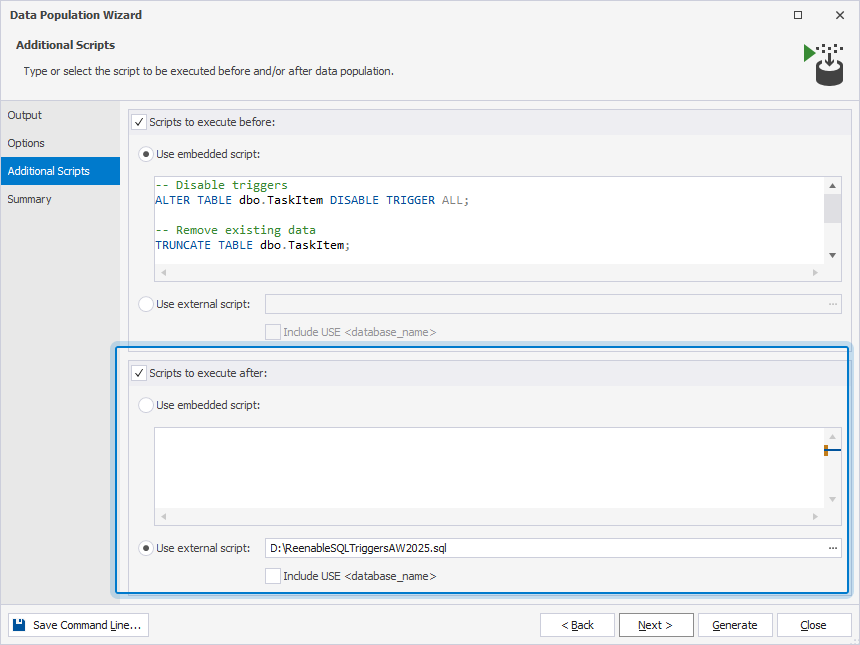
1. In the Data Population Wizard, navigate to the Additional Scripts page.
2. Select Scripts to execute after.
3. Select one of these options:
- Use embedded script – Enter a script you want to run.
- Use external script – Specify the path to the file or click the ellipsis (…) to browse for an existing script.
4. Optional: To add the USE <database_name> clause, select Include USE < database_name >.
5. Click Next to review the action plan and warnings.
Tip
To return to the previous step and review or change your settings, click Back.
To save the data population settings to a .bat file to automate recurring scenarios from the command line, click Save Command Line.