
|
Upgrading Driver Version and License Key - ODBC Driver for WordPress |

|
|
|
Upgrading Driver Version and License Key - ODBC Driver for WordPress |
|
If the ODBC Driver for WordPress was initially deployed through Group Policy, it can be easily updated to a newer version. Follow the steps below to update both the ODBC Driver for WordPress and the license to newer versions on all remote computers in the domain.
If your license is still valid, there's no need to create a new MST file. Use the current MST file instead.
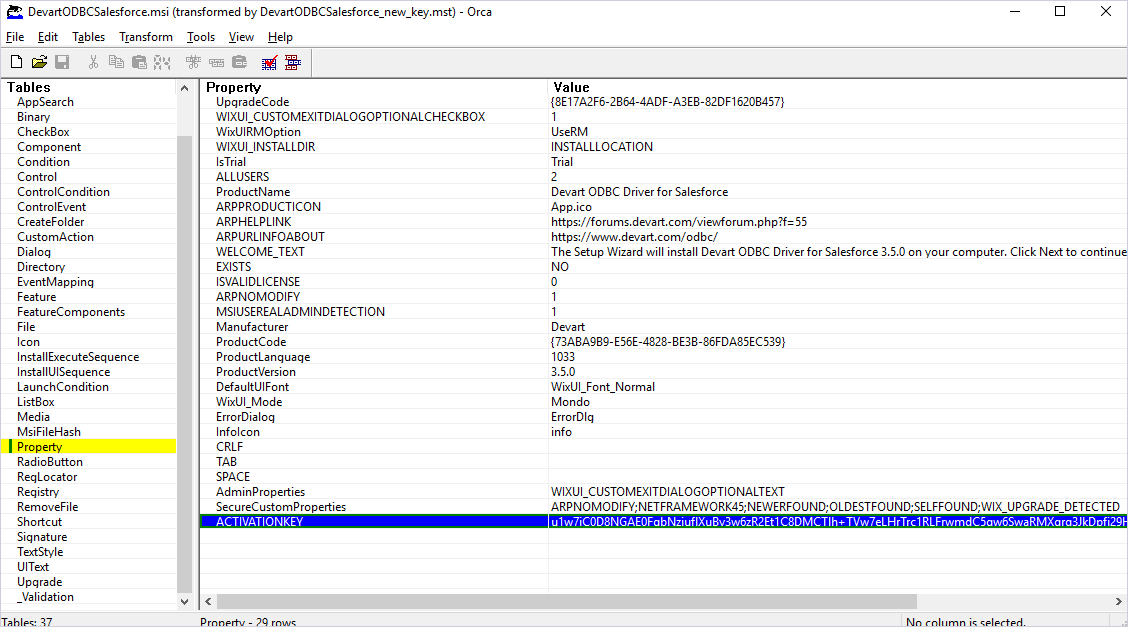
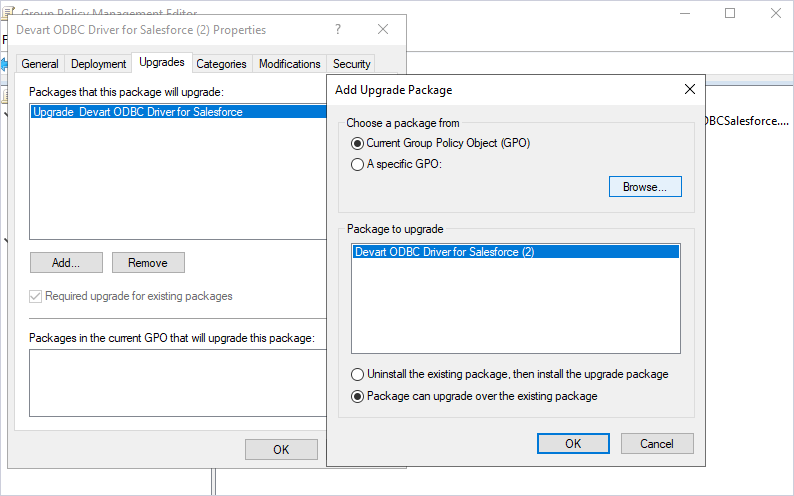
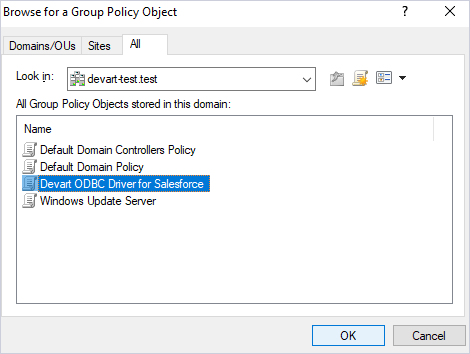
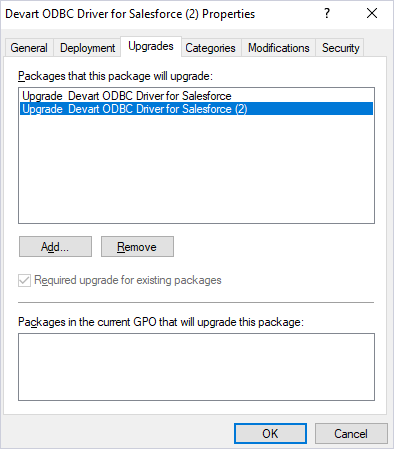
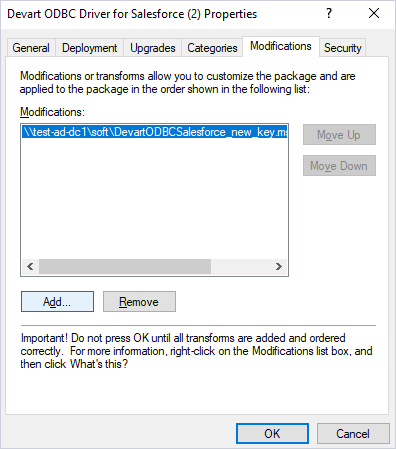
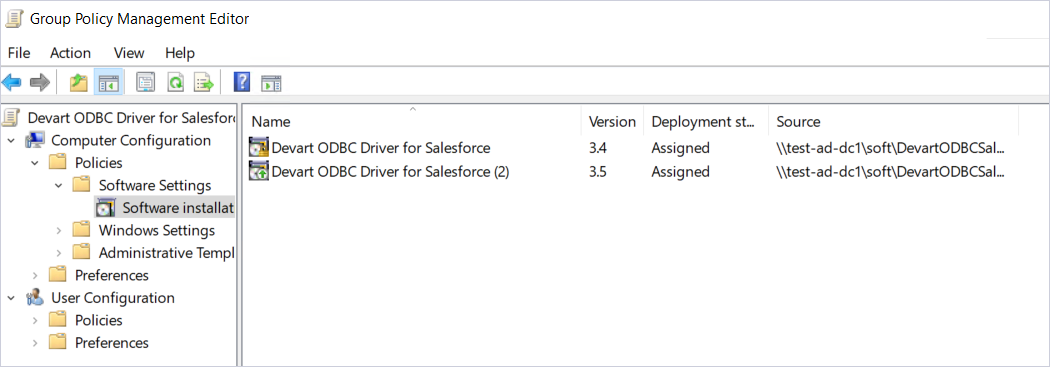
Once the GPO configuration on the server is complete, the ODBC Driver for WordPress will automatically update to the latest version each time a client computer restarts.
To update the ODBC Driver for WordPress to a newer version on remote client machines, all domain users must restart their computers after their first login.
If successful, both the driver and the license key will be automatically updated to the new version on remote computers. For detailed instructions on how to view the technical details of the ODBC Driver for WordPress after upgrading, refer to Client-Side Actions.