Configuration generation
This topic contains a procedure for generating Telerik Data Access model configuration in Entity Developer.
Telerik Data Access allows generating configuration to the config file of the application or to generate configuration into the OpenAccessContext class in code. You can set up configuration generation in the following way:
To generate configuration:
1. In the Model Explorer window, right-click the name of the model and select Model Settings from the shortcut menu. The Model Settings dialog is displayed.
2. In the navigation area of the Model Settings dialog, select Configuration. The Configuration page of the Model Settings dialog is displayed.
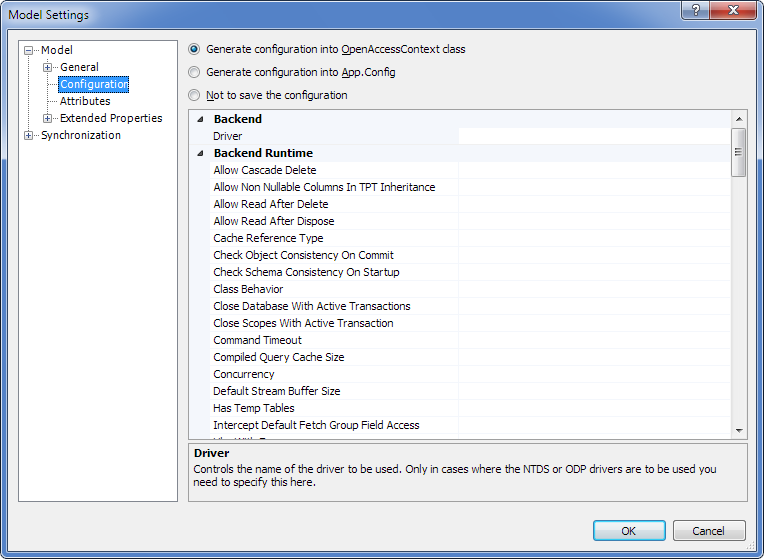
3. Using the available option buttons, choose whether to save configuration in the app.config file, in the context class code, or not to save the configuration.
4. If required, set some or all other parameters in this dialog.
5. Click OK.
6. Save the model.