Worked example: Use SQL snippets as a code repository
Database developers often need to reuse scripts. You can use Snippets Manager in dbForge Studio for SQL Server to simplify script management. It lets you organize scripts into a customizable folder hierarchy, access them quickly, and edit both the scripts and their structure as needed.
This example demonstrates how to use Snippets Manager as a code repository.
Prerequisites
Create an empty folder on your computer to store scripts. For this example, the folder path is D:\ScriptRepository\MSSQL.
Tip
You can also specify a network folder if multiple users need to access it.
Organize SQL scripts with Snippets Manager
1. Select Tools > Snippets Manager.
2. At the bottom of Snippets Manager, click the  ellipsis button in the Location box.
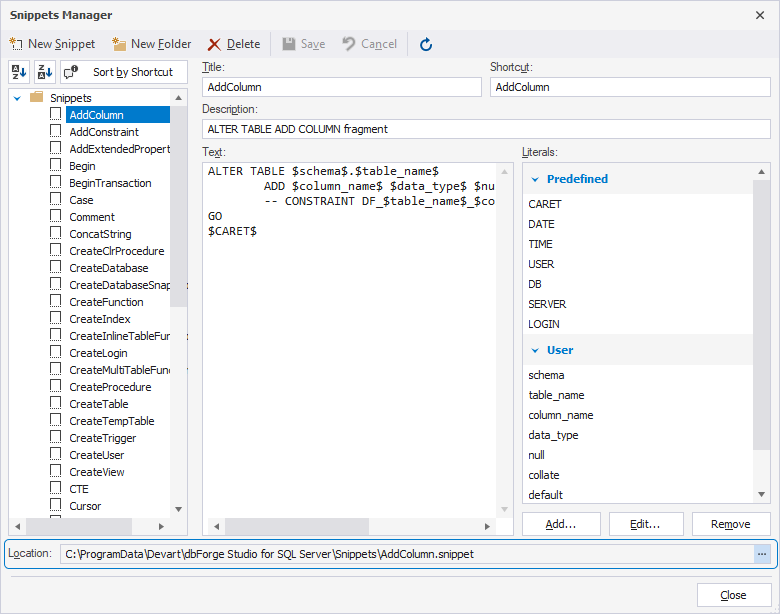
3. Select the folder you’ve created to store scripts—D:\ScriptRepository\MSSQL, then click Select Folder.
The folder path changes to D:\ScriptRepository\MSSQL.
4. On the Snippets Manager toolbar, click New Snippet to create a snippet.
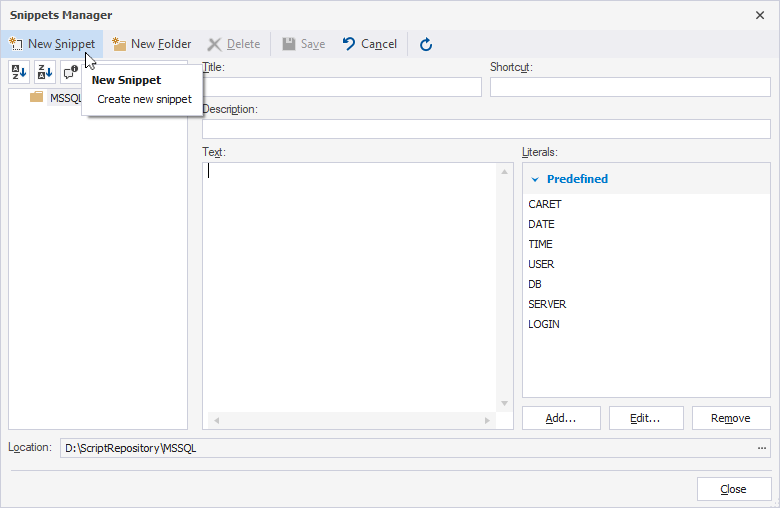
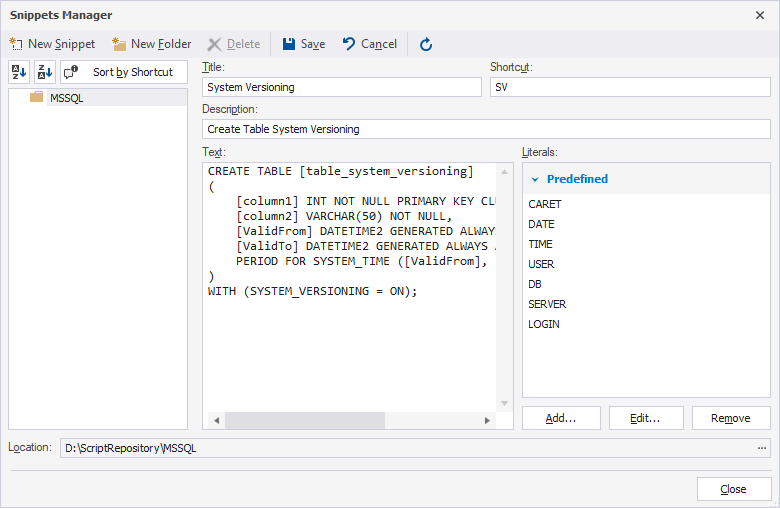
5. Fill out the following details:
- Title – A snippet name.
- Shortcut – A short name or combination of characters to quickly invoke the snippet.
- Description – A detailed description of the snippet.
- Text – A SQL script.
6. On the Snippets Manager toolbar, click Save.
The created snippet appears under the MSSQL folder in the snippet tree.
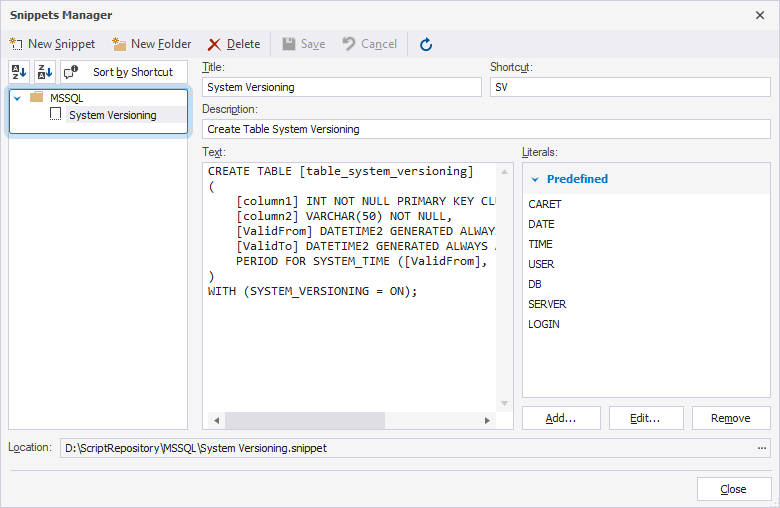
Repeat these steps to create and save as many snippets as needed. This builds a code repository that you can quickly access with predefined shortcuts when creating new scripts.
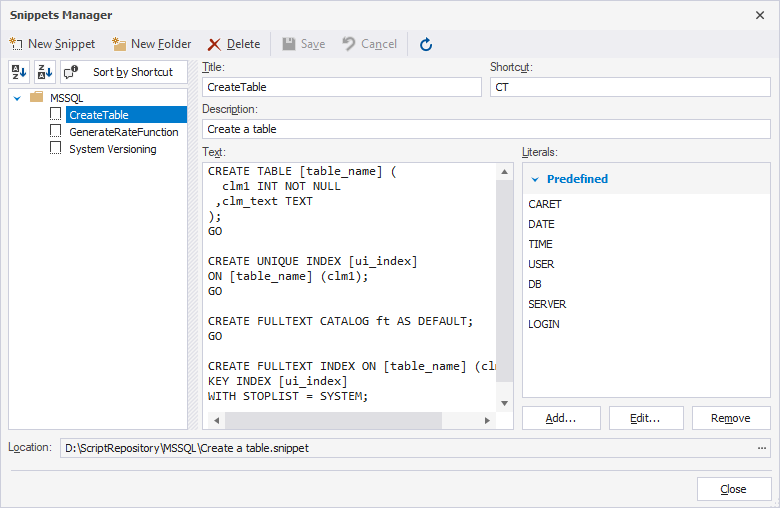
You can also access the code snippets directly from the folder on your computer (in this example, D:\ScriptRepository\MSSQL).
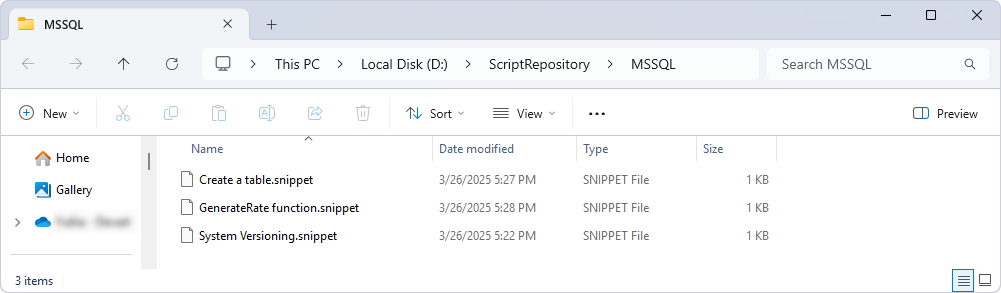
You can manage the snippets in your repository by editing, deleting, or grouping them into folders.