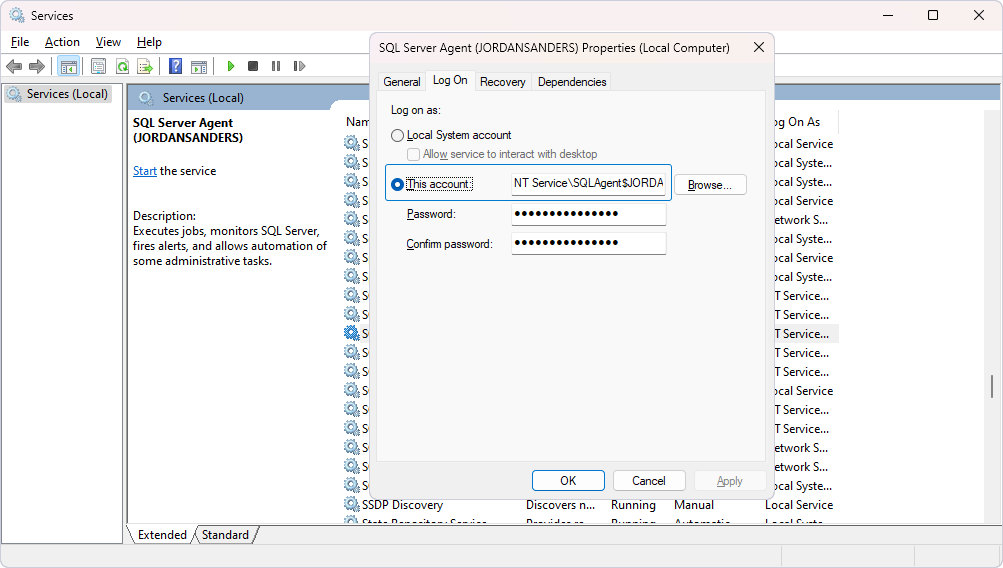
Check the account used by the SQL Server Agent
After you install dbForge Studio for SQL Server, you can automate its tasks using the SQL Server Agent.
Note
Before you configure the automation, make sure the Agent is running under the same account as the Studio license. If the accounts don’t match, you might experience permission issues.
To check the account:
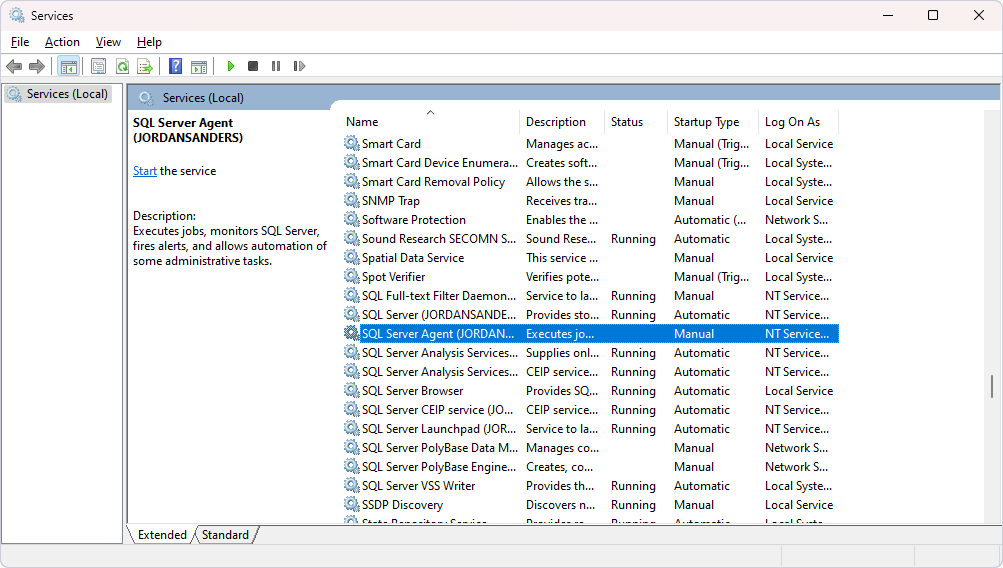
1. In the Search box, enter Services to open the Services utility.
2. In the list, locate SQL Server Agent and double-click it.
3. On the Log On tab, in This account, check the account name.