Add a Mercurial repository
You can link a database to a Mercurial repository and compare its revision with other data sources.
Prerequisite
- Install a Mercurial client.
Add a Mercurial repository to schema compare
1. In the New Schema Comparison wizard, select Source Control as the source or target type.
2. In Repository, click  .
.
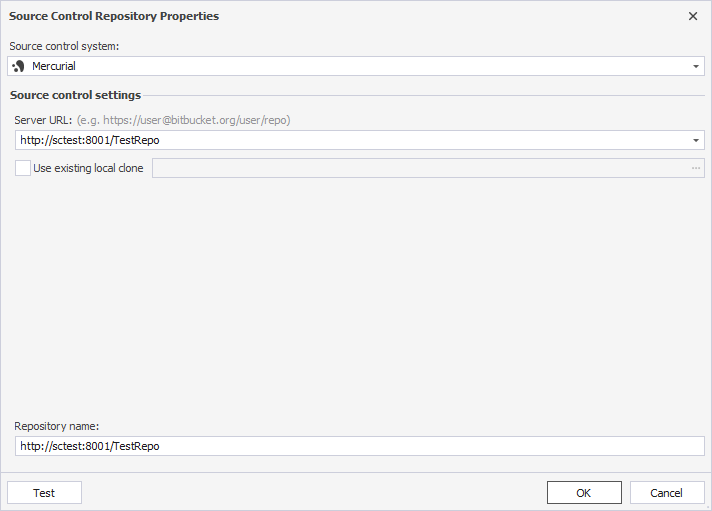
3. In the Source Control Repository Properties dialog, configure the repository settings:
3.1. In Source control system, select Mercurial.
3.2. In Server URL, specify the location of the repository:
- To use a remote repository, enter the URL of the Mercurial server.
- To use an existing local repository, select Use existing local clone, then specify the path to it.
By default, the selected folder name is used as the repository name. To specify a different name, enter it manually.
4. Optional: Click Test to verify the connection settings.
5. Click OK to save the settings and close the dialog.