The Build step
Synopsis
Builds a database on a server.
Description
The Build step builds a database package and deploys it on a specific server. This package is typically created from a script folder containing SQL or other database-related files.
Create the Build step
1. On the Configure page, select Build Steps.
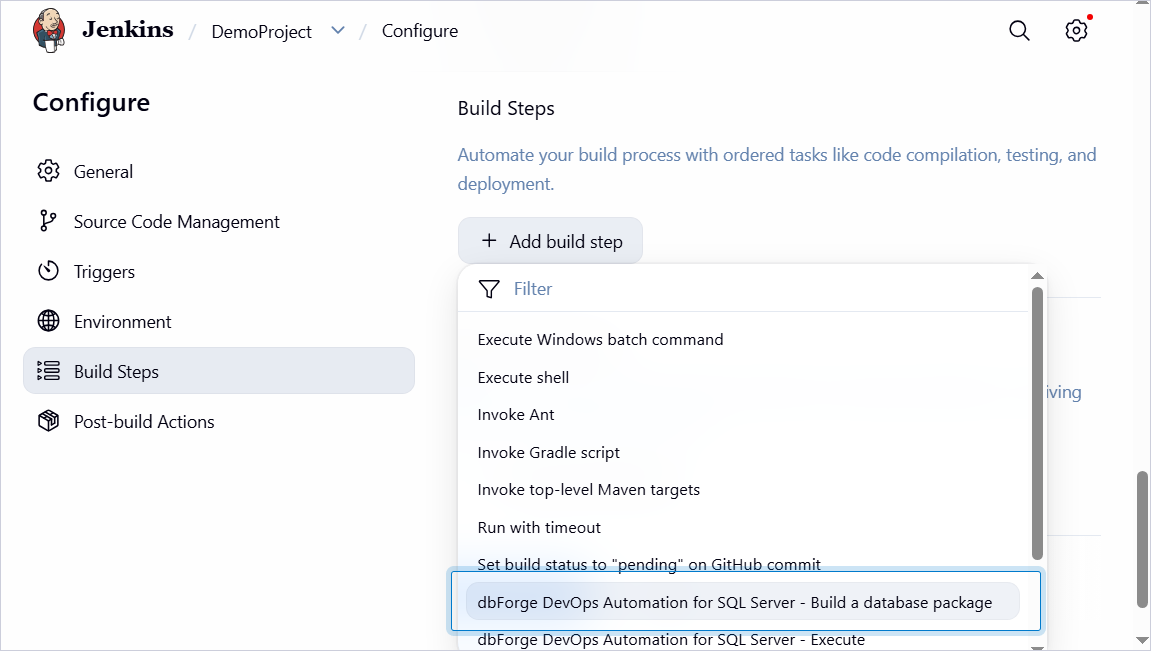
2. Click Add build step, then select dbForge DevOps Automation for SQL Server – Build a database package.
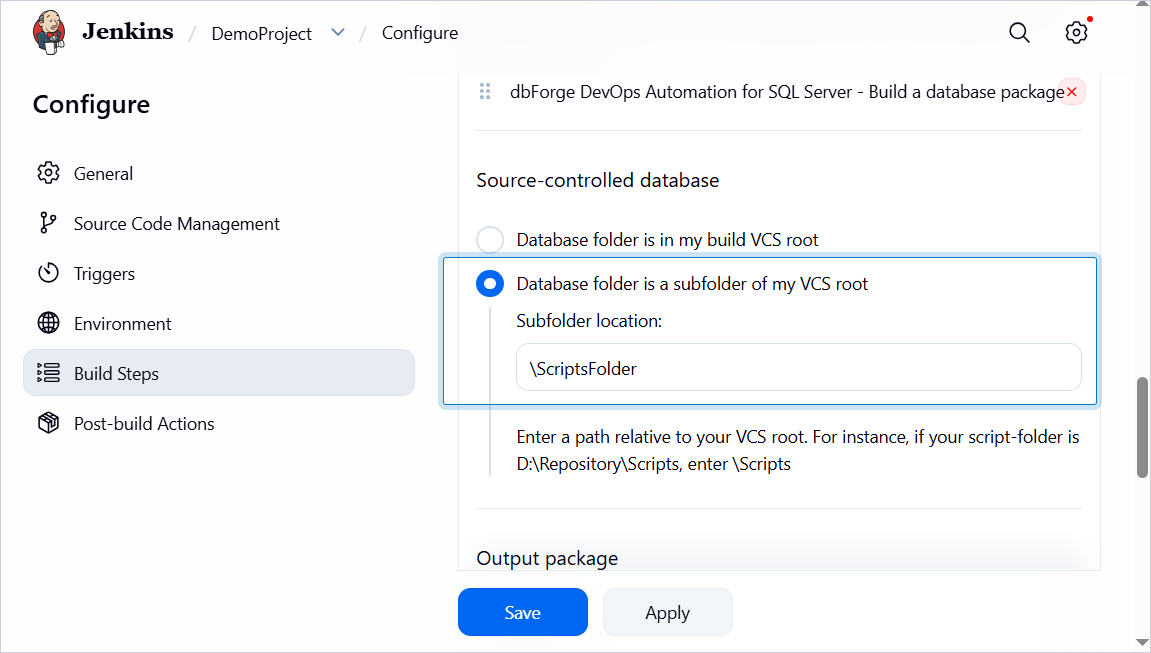
3. Under Source-controlled database, select Database folder is a subfolder of my VCS root and enter the subfolder name of your scripts folder.
Note
Do not enter the full path. Specify the path relative to the selected workspace directory.
4. Under Package ID, enter the package name.
5. Under Temporary database server, select SQL Server and specify the server name and the name of the database that you want to deploy to the server.
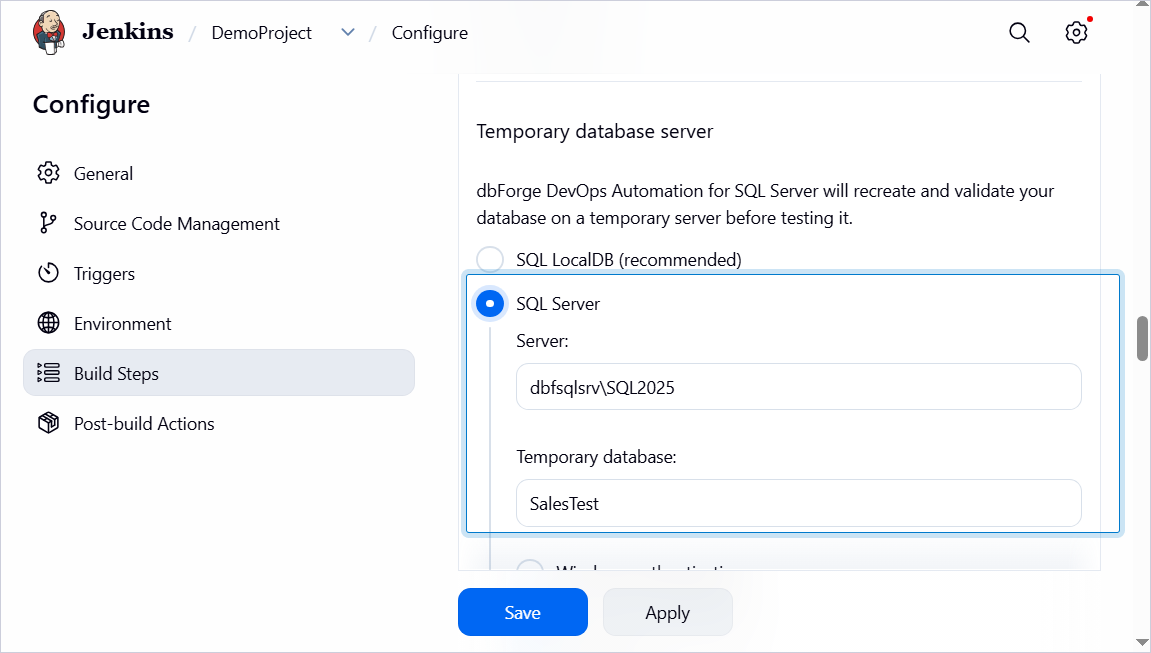
6. Select the authentication method.
7. Click Save.
Customization options
The table provides a list of options you can customize for the Build step.
| Name | Description |
|---|---|
| Source-controlled database | Select where the database folder is located, either directly in the build root of the version control system (VCS) or within a subfolder of the VCS root. |
| Temporary database server | Select where dbForge DevOps Automation for SQL Server will recreate and validate your database: on your local server or on the specified SQL Server. If you select SQL Server, specify the server name, database name, authentication method (Windows Authentication or SQL Server Authentication), username and password (for SQL Server Authentication). |
| Schema Compare options | Specify additional Schema Compare options. |
| Schema Compare filter | Specify a path to an alternative filter file which will be used for validating the schema to override .scflt filter file that is present in the input. Note: You can filter data by using a filter file (.scflt) that defines the filtering rules. After generating the file, add it to your version control system (VCS) so it can be used in the CI process. |