The Test task
Synopsis
Runs unit tests on a deployed database.
Description
The Test task ensures the quality and stability of your database by running unit tests on a deployed database. This task validates that the recent changes to the database schema, configurations, and data migration scripts have not introduced any issues or unexpected behavior.
Create the Test task
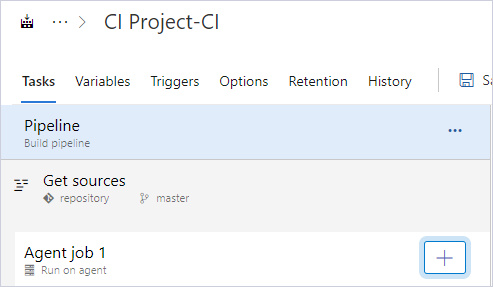
1. Click Add a task to Agent job.
2. In the search box, enter the extension name, for example, dbforge.
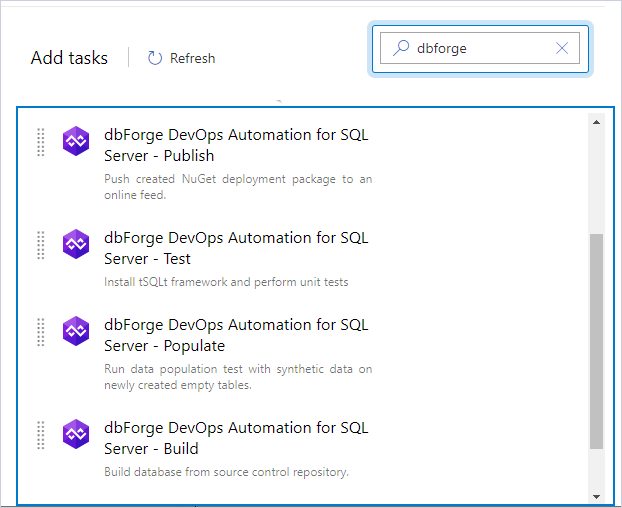
3. Select dbForge DevOps Automation for SQL Server – Test and click Add.
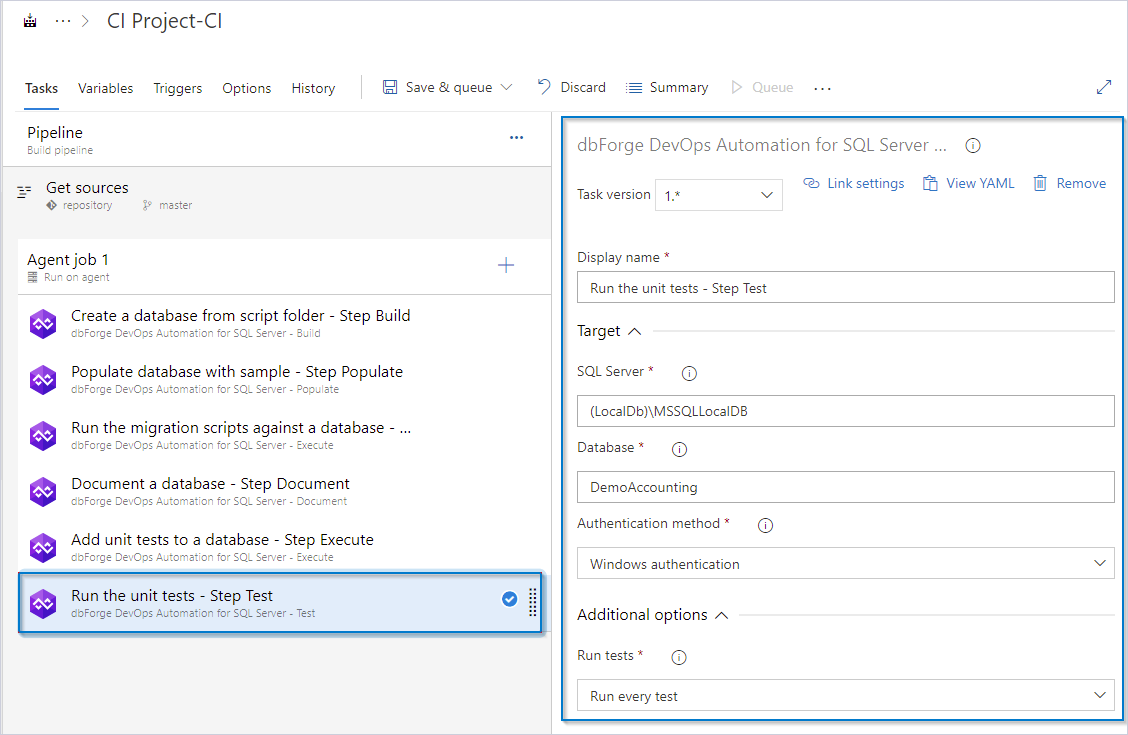
4. Configure all the required options.
Customization options
The table provides a list of customization options available for the Test task.
| Name | Description |
|---|---|
| SQL Server | Enter the target database server, for example, SERVERNAME\INSTANCENAME. For a local default instance, use (local). |
| Database | Enter the target database name. |
| Authentication method | Select the authentication method. |
| User Name | Enter the login name you want to use for the SQL Server authentication. |
| Password | Enter the password you want to use for SQL Server authentication. |
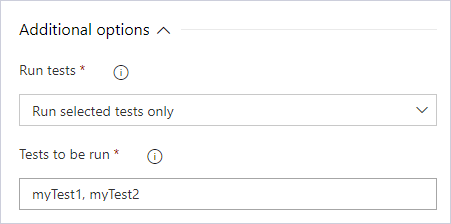
| Run tests | Select whether to run all tests or specific ones. Note: To run specific tests, specify the tests separating each with a comma. |
Control options
The table provides a list of control options available for the Test task.
| Name | Description |
|---|---|
| Enabled | Select to turn on the task in your pipeline. If the task is turned off, it will be skipped during the pipeline execution. |
| Continue on error | Select to continue the pipeline running even if this task fails. |
| Number of retries if task failed | Specify the number of retries for this task that will happen in case of task failure. Note: This requires agent version 2.194.0 or later. Not supported for agentless tasks. |
| Timeout | Specify the maximum time, in minutes, that a task is allowed to execute before being canceled by server. A zero value indicates an infinite timeout. |
| Run this task | Specify when this task should run. Select Custom conditions to specify more complex conditions. The available options are:
|
Output variables
The table provides output variables available for the Test task.
| Name | Description |
|---|---|
| Reference name | Any changes to the reference name will require updates to downstream tasks that use this reference name, a valid reference name can only contain a-z, A-Z, 0-9 and _. |
5. To execute all unit tests, select Run every test option.
6. To run specific tests, select Run selected tests only and specify the tests separated with a comma.