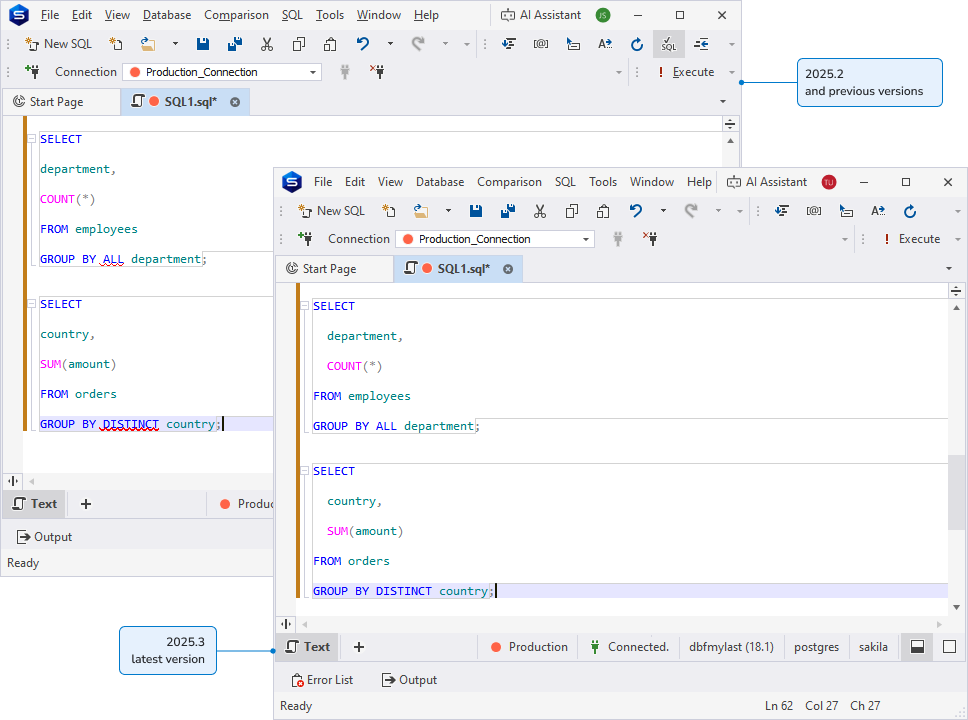
dbForge Studio for PostgreSQL v2025.3 release notes
What’s new
These updates improve day-to-day productivity in the editor and formatter. You can navigate large scripts faster with scroll bar annotations, wrap selections automatically while typing, apply camelCase identifier formatting, and rely on smarter code completion and broader SQL parsing for more consistent editing support.
Scroll bar annotations
Scroll bar annotations are now available to help you navigate large scripts and quickly locate important areas in the editor. Colored markers on the vertical scroll bar show modified lines (saved and unsaved), bookmarks and breakpoints, identifier occurrences, server and parsing syntax errors, warnings, and the current caret position.
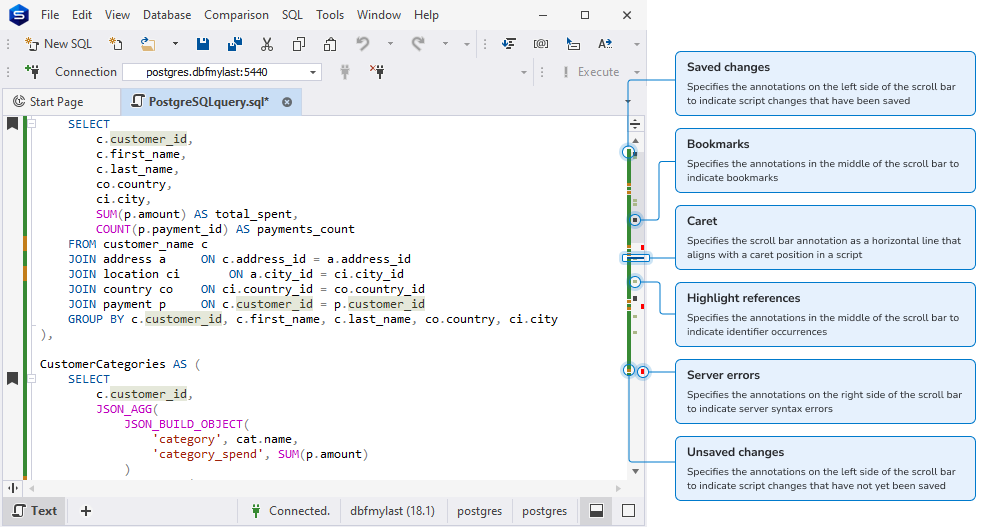
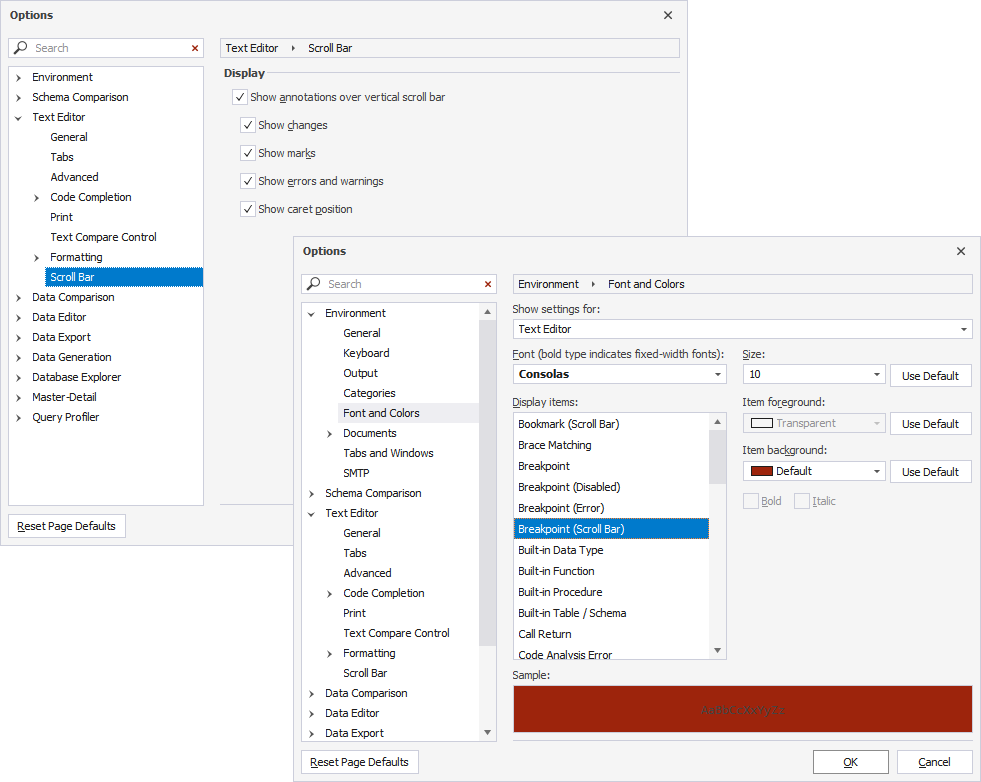
You can enable and configure annotations in Tools > Options > Text Editor > Scroll Bar by selecting Show annotations over vertical scroll bar and choosing which annotation types to display. You can also customize most annotation colors in Tools > Options > Environment > Font and Colors.
Automatically surround selections
Automatically surround selections is now available in the SQL Editor to speed up editing and reduce manual typing. When you select text and type an opening character, dbForge Studio for SQL Server wraps the selection with the matching pair.
The feature supports ( ), [ ], { }, < >, " ", ' ', and ` `. It is enabled by default and can be turned off in Tools > Options > Text Editor > General by clearing Automatically surround selections when typing quotes or brackets.
camelCase formatting for identifiers
Formatting profiles now support camelCase for identifiers to help you align scripts with common team naming conventions. A new camelCase option has been added to the Text Case settings across Alias Case, Built-in Datatype Case, Built-in Function Case, Identifier Case, and Variable Case.
To make case options clearer and more consistent, Initial caps has been renamed to Capitalized, and Initial caps each word has been renamed to PascalCase. PascalCase is also now available in Alias Case.
Previously saved formatting profiles remain compatible and continue to work without changes.
Productivity improvements
Smarter code completion in routines
Code completion has been extended for routine development. It now recognizes local variables and parameters inside stored procedure and function bodies, which makes suggestions more accurate when you write statements, reference variables, or refactor existing logic.
Expanded SQL statement coverage
We have broadened SQL parsing and validation coverage across the most commonly used T-SQL statements. As a result, you get more reliable editing assistance (such as syntax recognition and completion) when working with:
SELECTstatements, including common query patterns.INSERT,UPDATE, andDELETEstatements for day-to-day DML work.- The
WITHclause (CTEs), so you can build multi-step queries with consistent editor support. - The
MERGEstatement, improving support for upsert-style workloads and synchronization scripts.