View and execute queries
After creating a query, you can view the generated SQL script in SQL Editor and run it.
View the SQL script
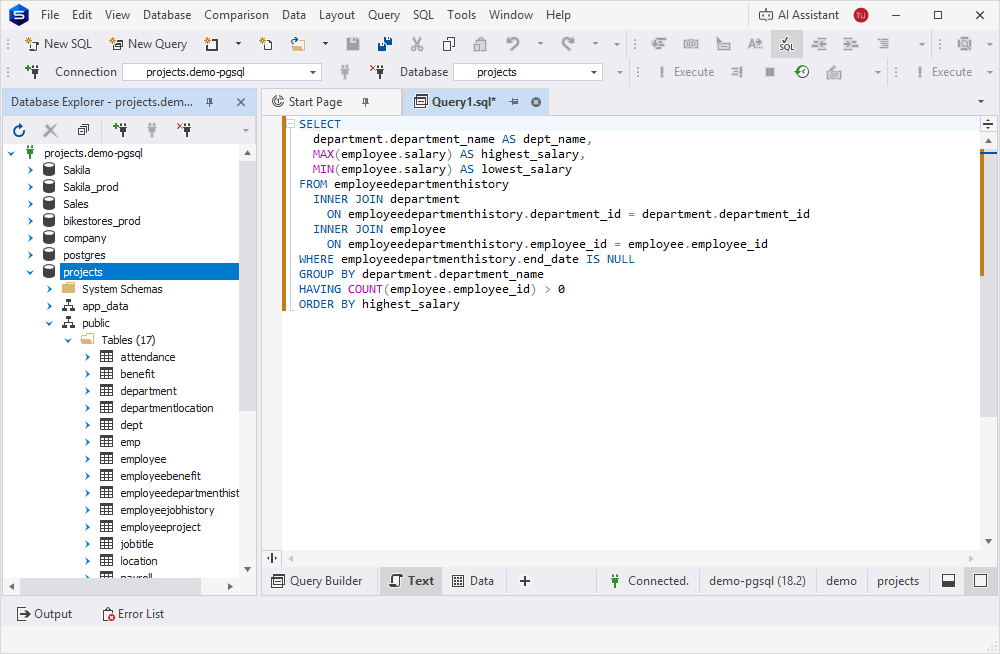
To open the generated SQL script for viewing or editing, in the bottom panel, click Text.
Run the query
Run the query in one of these ways:
- On the Query toolbar, click Execute.
- Press F5.
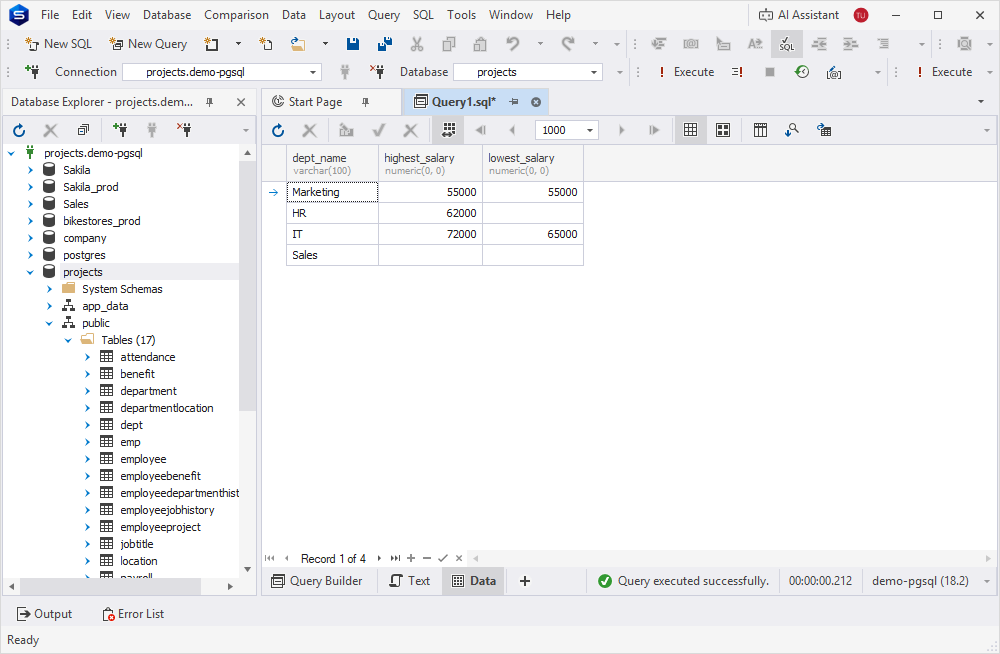
The results appear in Data Editor.