To get the Client ID and Client Secret required for Custom App authentication, you need to build an app in the Shopify Dev Dashboard.
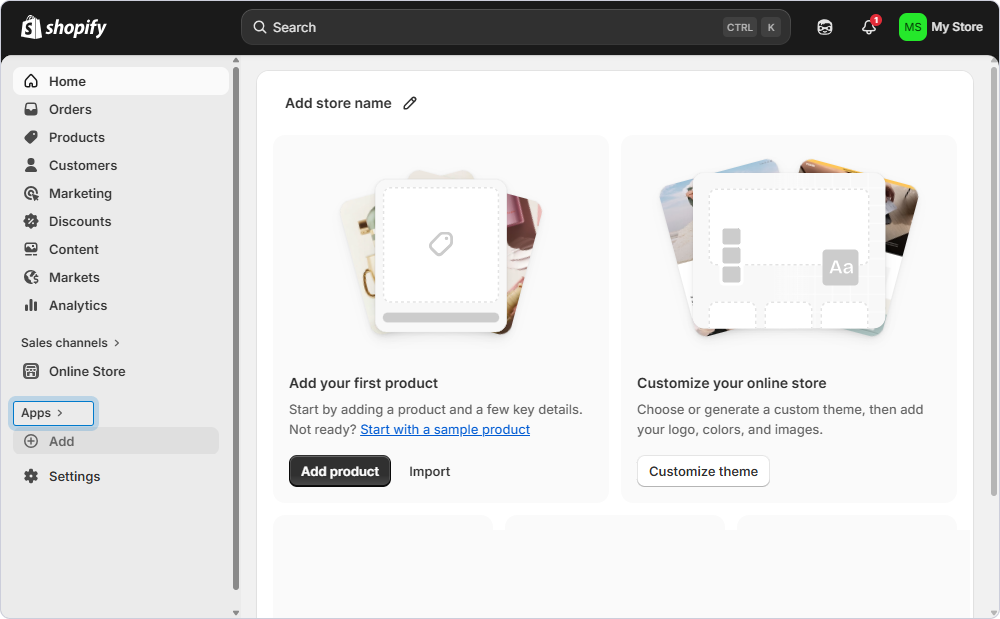
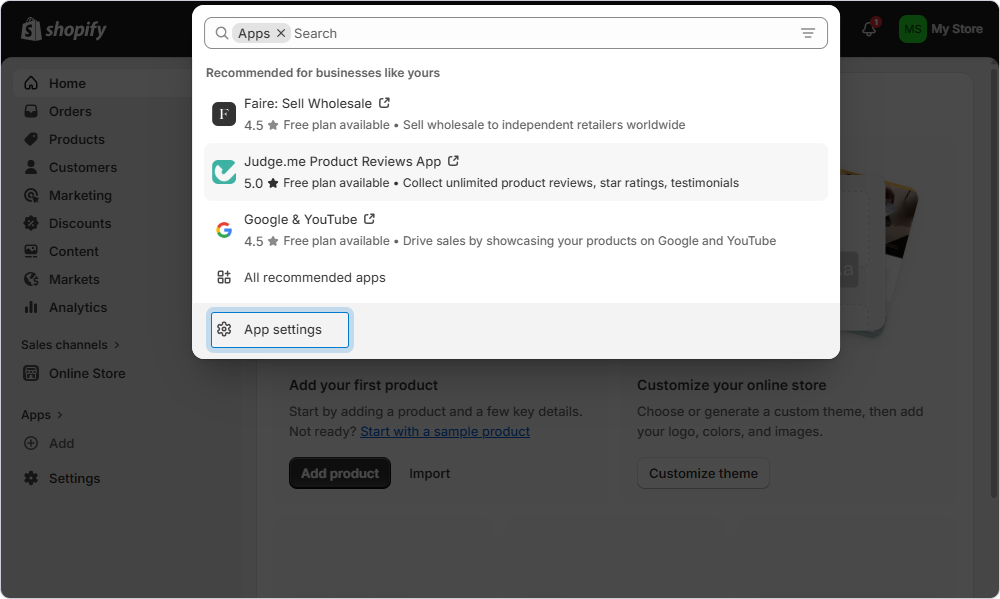
- Log in to your Shopify store and click Apps.
- Click App settings.
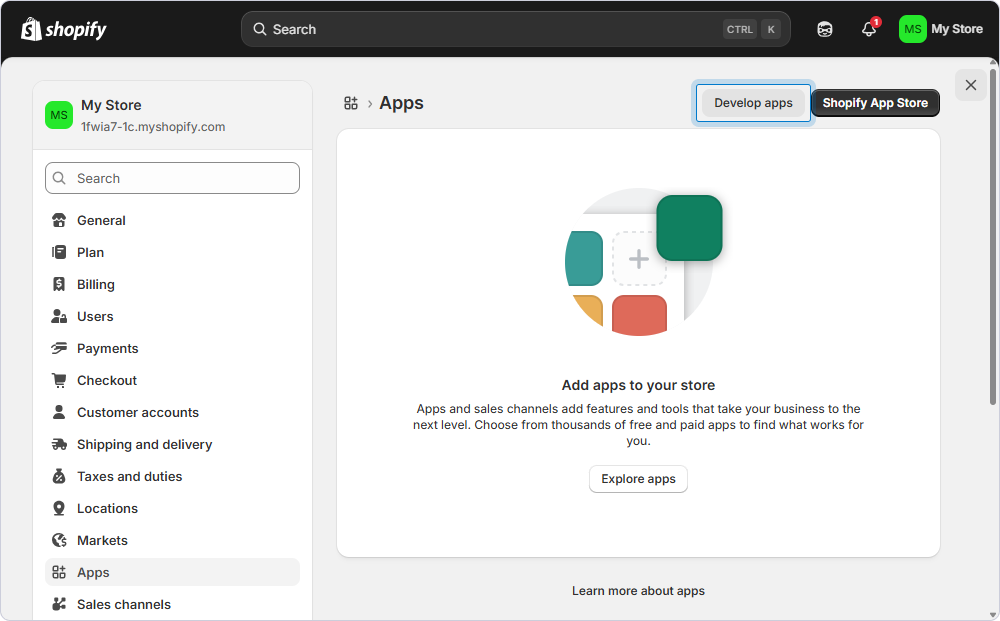
- Click Develop apps.
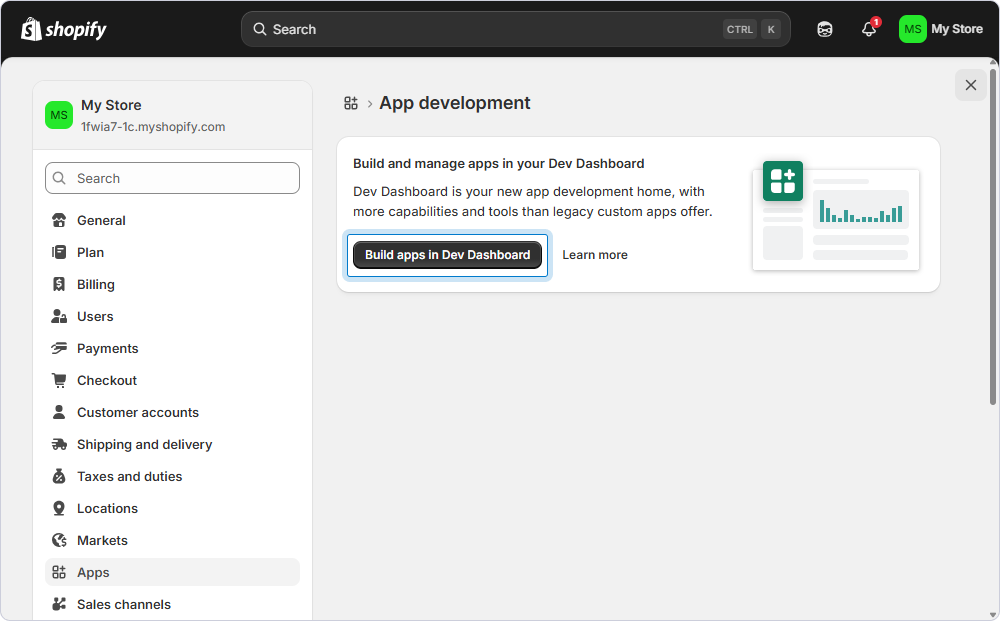
- Click Build apps in Dev Dashboard.
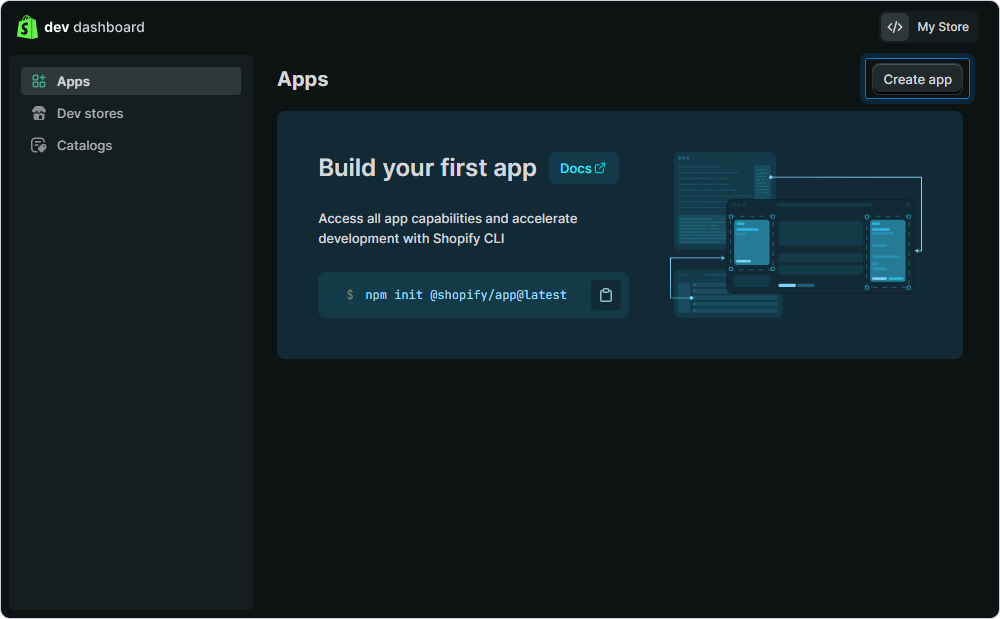
- Click Create app.
- In App name, enter a name for your app and click Create.
- In App URL, specify the app URL.
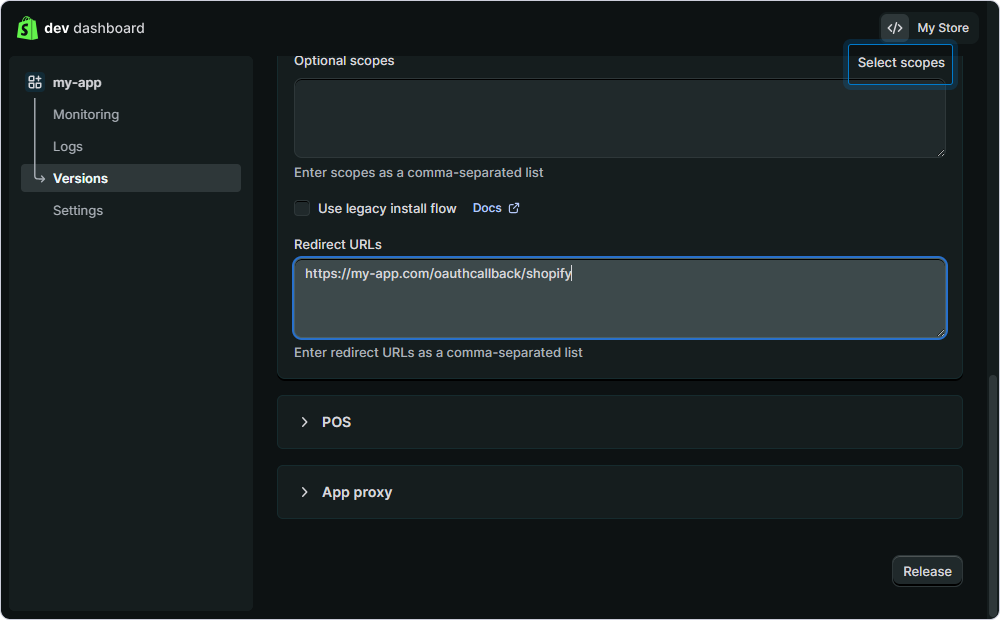
- In Redirect URLs, enter the URL where Shopify should redirect after authentication and click Select scopes.
The following URLs can be used for redirection: http://localhost:58187, http://localhost:59971, http://localhost:61945, and http://localhost:62194.
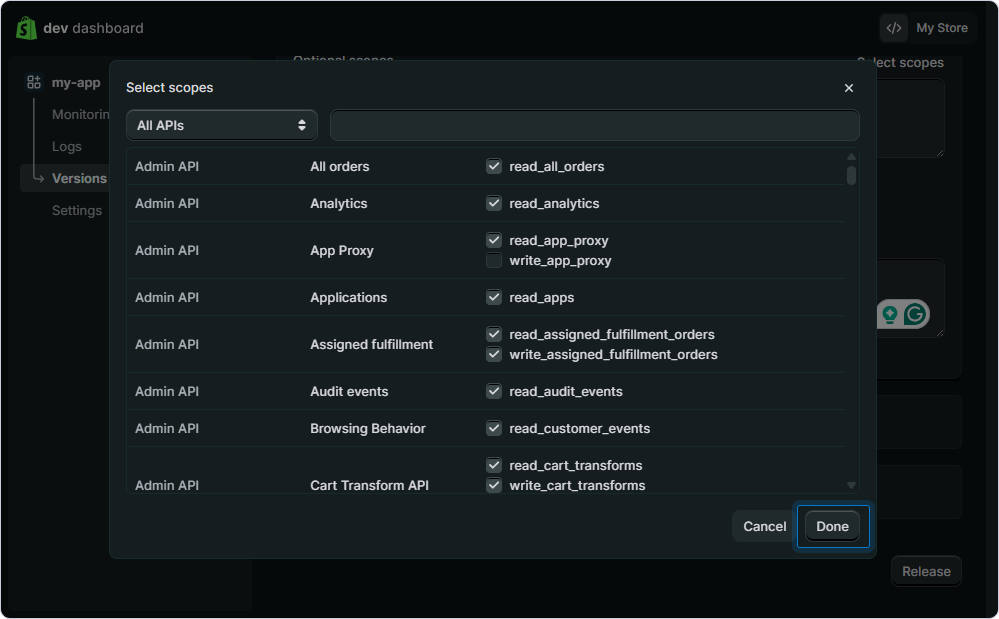
- Choose the permissions your app needs and click Done.
- Check the app data and click Release. Then, in the dialog that opens, click Release again.
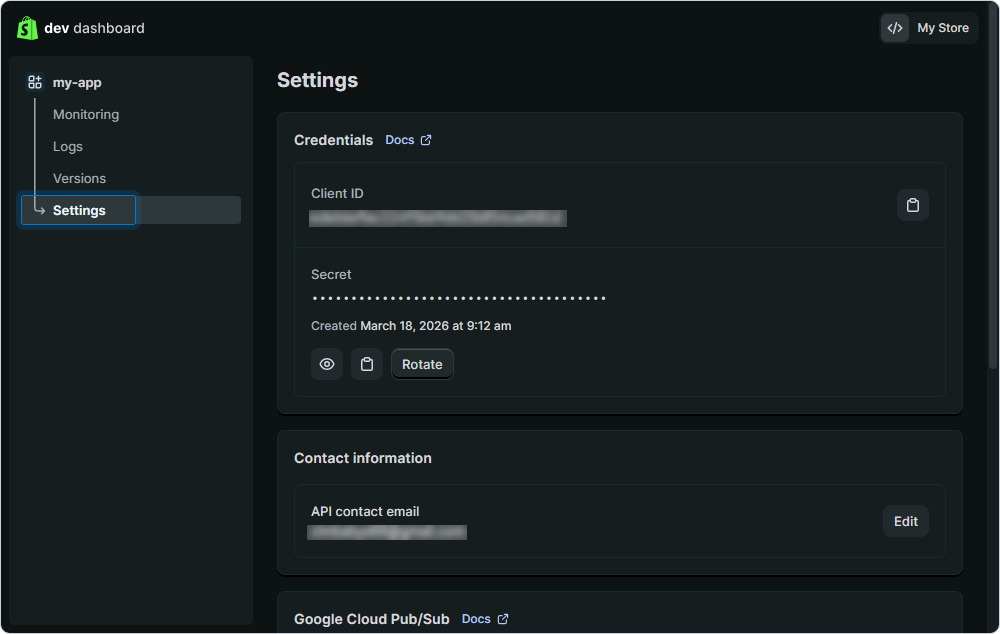
- Go to Settings and copy values from the Client ID and Secret fields, which are required for the driver configuration in the ODBC Data Source Administrator.