ODBC Driver for Microsoft Excel
Obtaining Activation Key - ODBC Driver for Microsoft Excel
Follow these steps to obtain your product activation key:
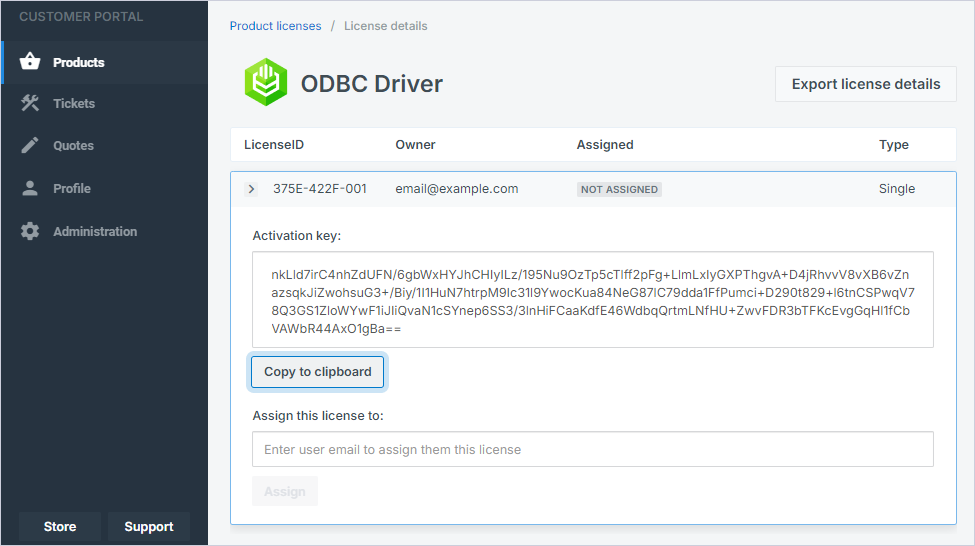
From the Customer Portal:
Open the
Customer Portal
and sign in.
On the
Product licenses
page, select the driver.
Click
Copy to clipboard
to copy the activation key.
From the registration email:
Locate the registration email you received from Devart after installing the driver. This email contains a Purchased or Trial activation key.
Copy the activation key.
See also:
Activation on Windows
Activation on macOS
Activation on Linux
© 2015-2025 Devart. All Rights Reserved.
Request Support
ODBC Forum
Provide Feedback