|
ODBC Driver for Microsoft Excel Connect Informatica PowerCenter to Microsoft Excel on Linux |

|
|
|
ODBC Driver for Microsoft Excel Connect Informatica PowerCenter to Microsoft Excel on Linux |
|
You can set up and verify a connection between Informatica PowerCenter and Microsoft Excel through an ODBC driver on Linux.
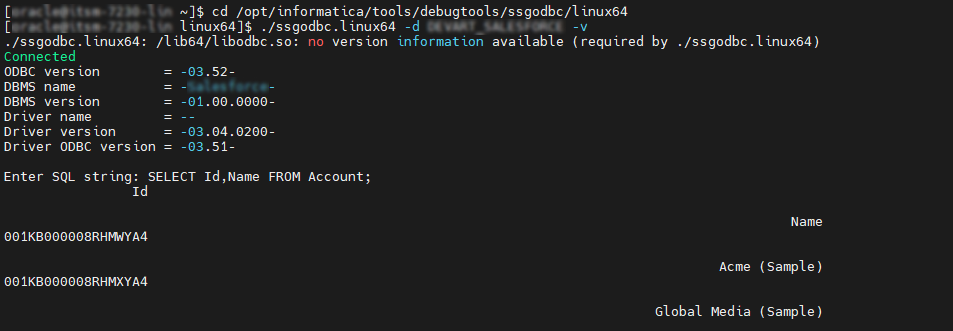
ssgodbc.linux64 utility is located.cd /opt/informatica/tools/debugtools/ssgodbc/linux64
ssgodbc.linux64 utility to verify the connection to Microsoft Excel../ssgodbc.linux64 -d <your_dsn> -v
SELECT Id,Name FROM <table>;