|
ODBC Driver for Microsoft Excel Create a DSN in the odbc.ini file |

|
|
|
ODBC Driver for Microsoft Excel Create a DSN in the odbc.ini file |
|
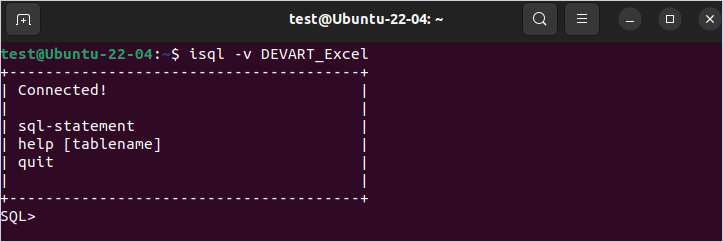
After the linux (DEB or RPM) driver is installed, a DSN with the name DEVART_EXCEL is created. You can use it to test the connection with the EXCEL server. For this, perform the following steps:
    User ID=<your Microsoft Excel user name>
    Password=<your Microsoft Excel password>
    Server=<your Microsoft Excel server address>
    Port=<your Microsoft Excel port>
    Database=<your Microsoft Excel database name>
isql -v DEVART_EXCEL