|
ODBC Driver for Salesforce Marketing Cloud Connecting Informatica PowerCenter to Salesforce Marketing Cloud via ODBC Driver |

|
|
|
ODBC Driver for Salesforce Marketing Cloud Connecting Informatica PowerCenter to Salesforce Marketing Cloud via ODBC Driver |
|
You can connect Informatica PowerCenter to Salesforce MC through an ODBC driver on Windows to unify and manage data across these systems.
Before you proceed, make sure PowerCenter Designer isn't running.
C:\Informatica\10.4.1\clients\PowerCenterClient\client\bin\powrmart.ini file in a text editor.[ODBCDLL] section, add
Salesforce Marketing Cloud=EXTODBC.DLL,
then save the changes.

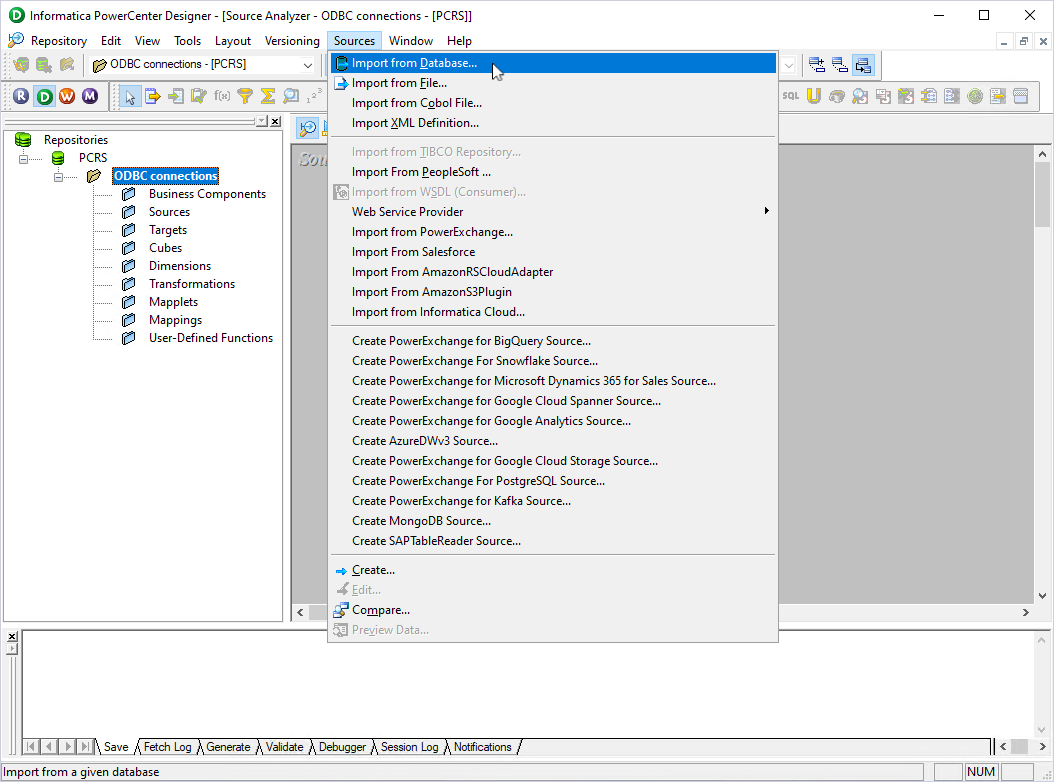
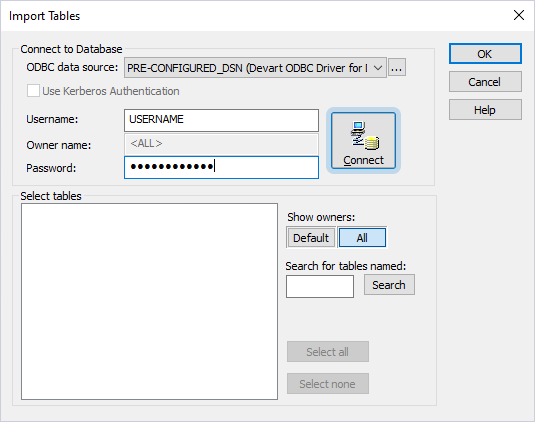

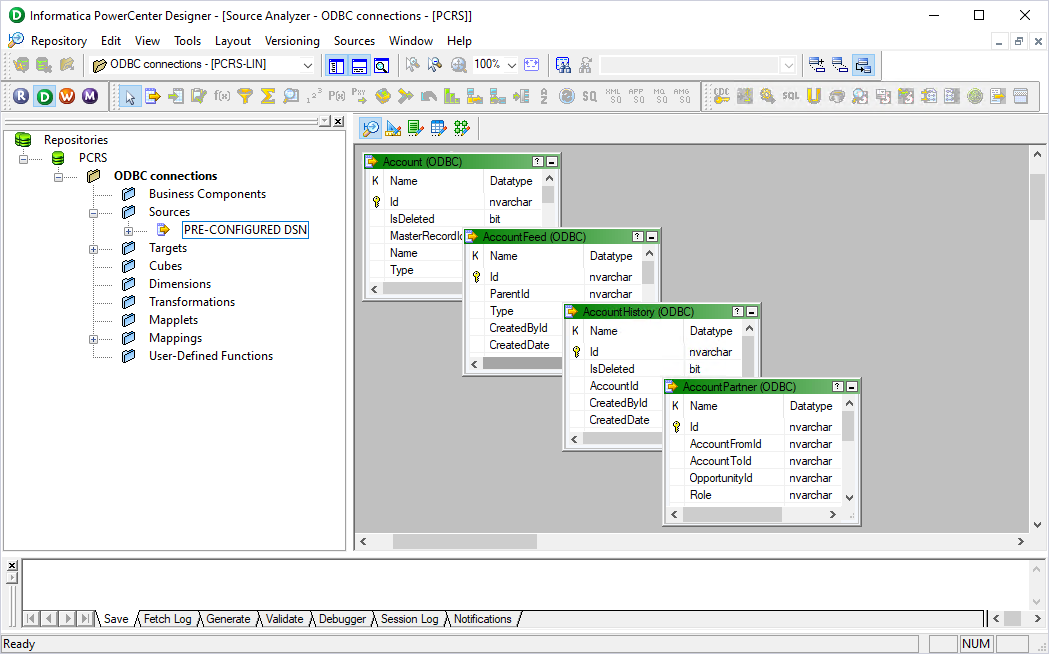
The table schemas appear in the Source Analyzer, and the data source is added to the Sources subfolder of the repository folder. You can now create mappings and work with Salesforce MC data in Informatica PowerCenter.