
|
ODBC Driver for Google BigQuery Obtaining the JSON Service Account Key |

|
|
|
ODBC Driver for Google BigQuery Obtaining the JSON Service Account Key |
|
To get a JSON service account key for your project using the Google Cloud Console UI, follow these steps:
1. Open Google Cloud Console.
2. Select the required project and navigate to IAM & Admin > Service Accounts.
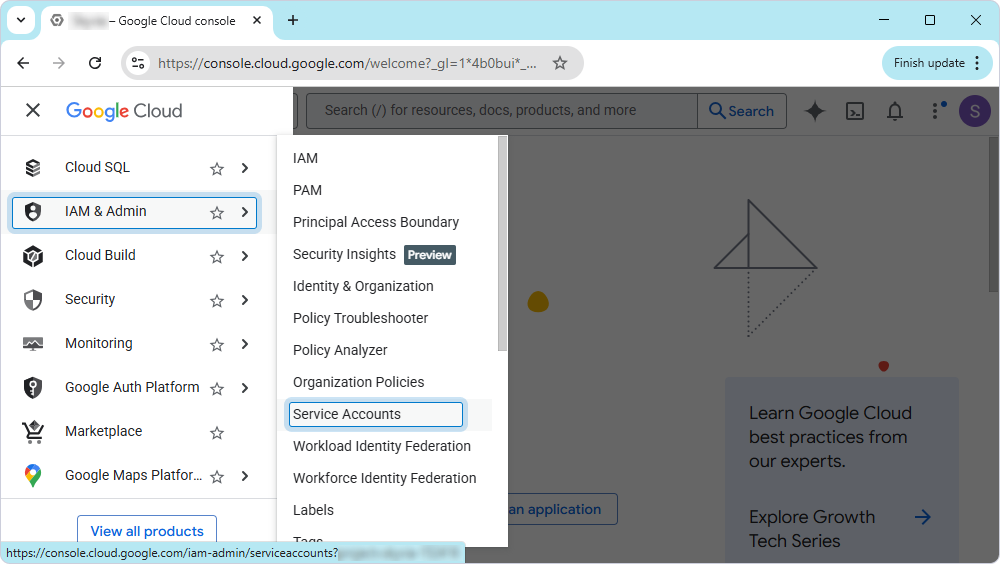
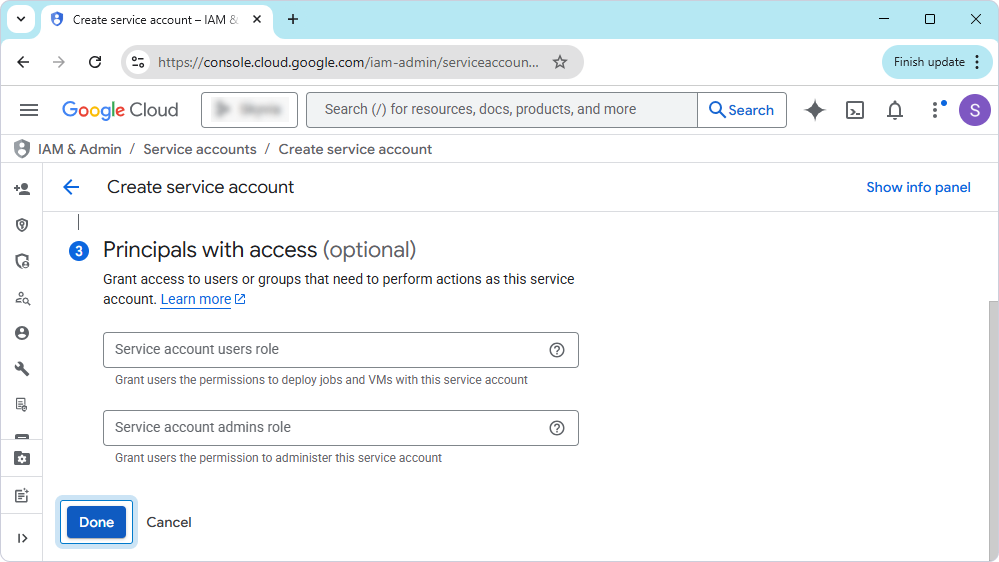
3. Continue based on whether you want to create a new service account or use an existing one:
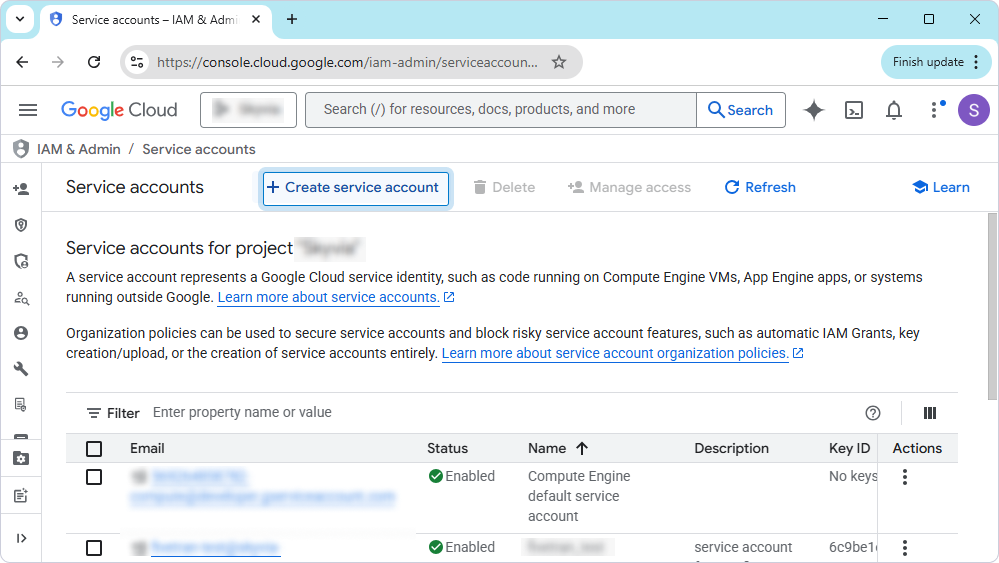
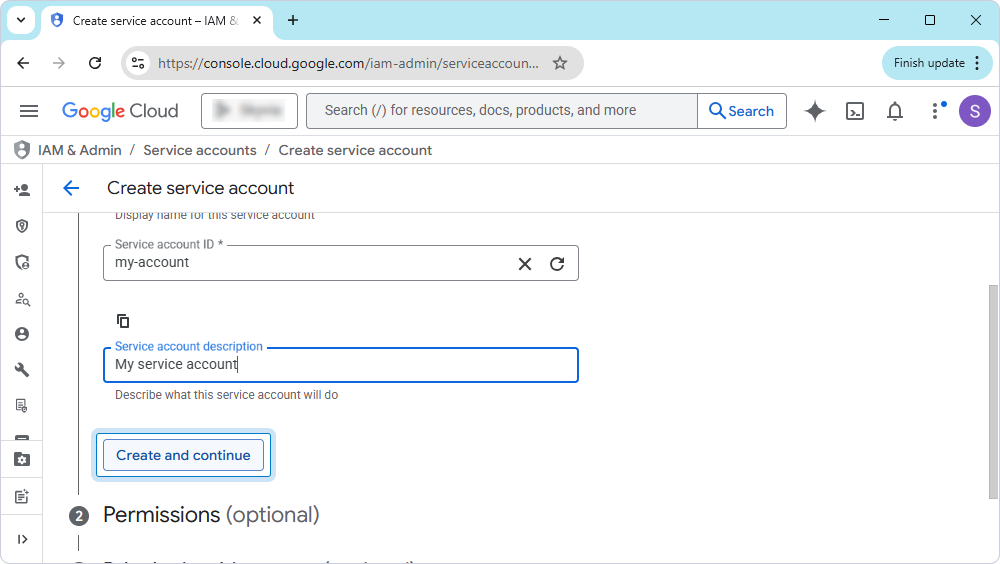
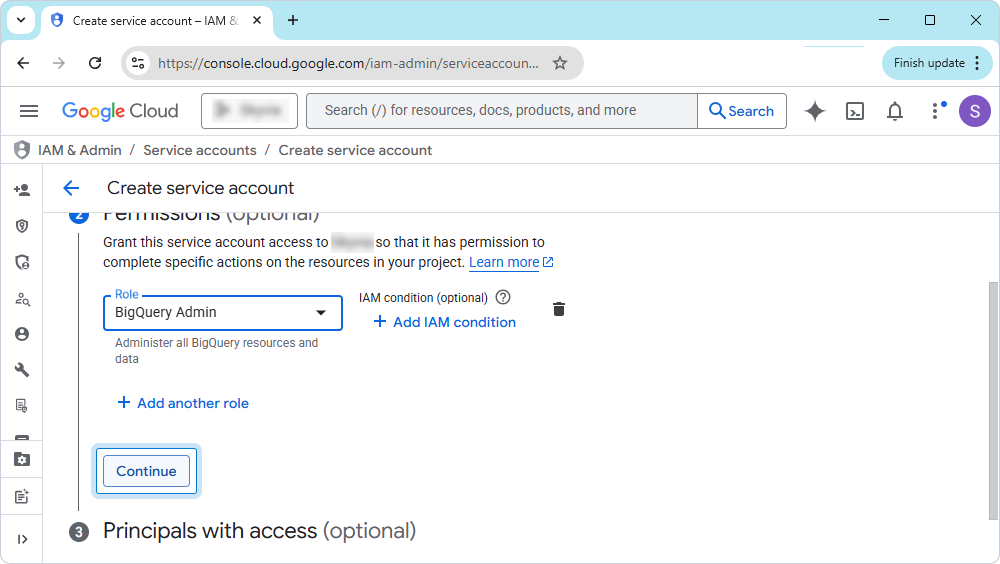
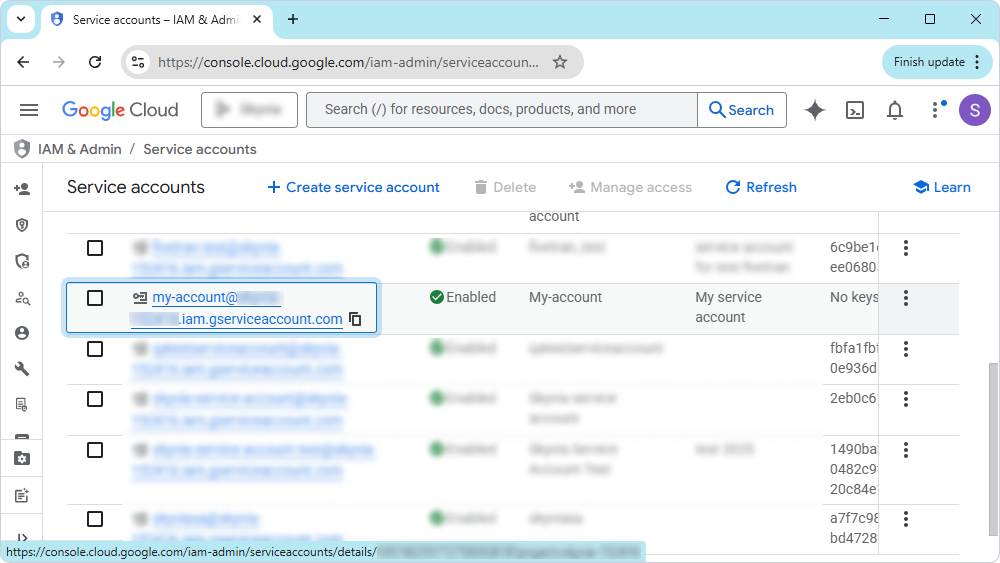
Click the required account email address.
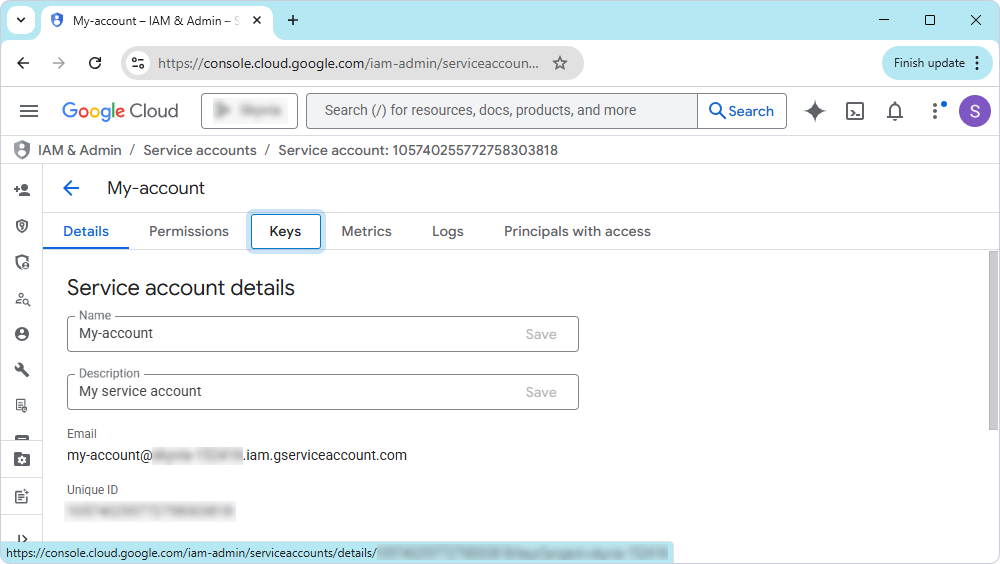
4. Click Keys.
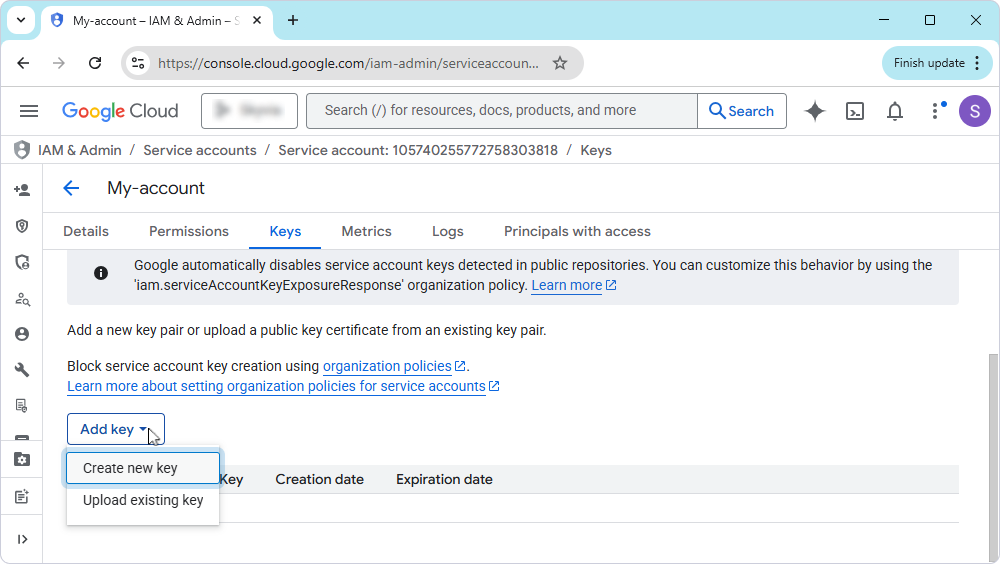
5. Click Add key and select Create new key.
6. Select JSON as a key type and click Create.
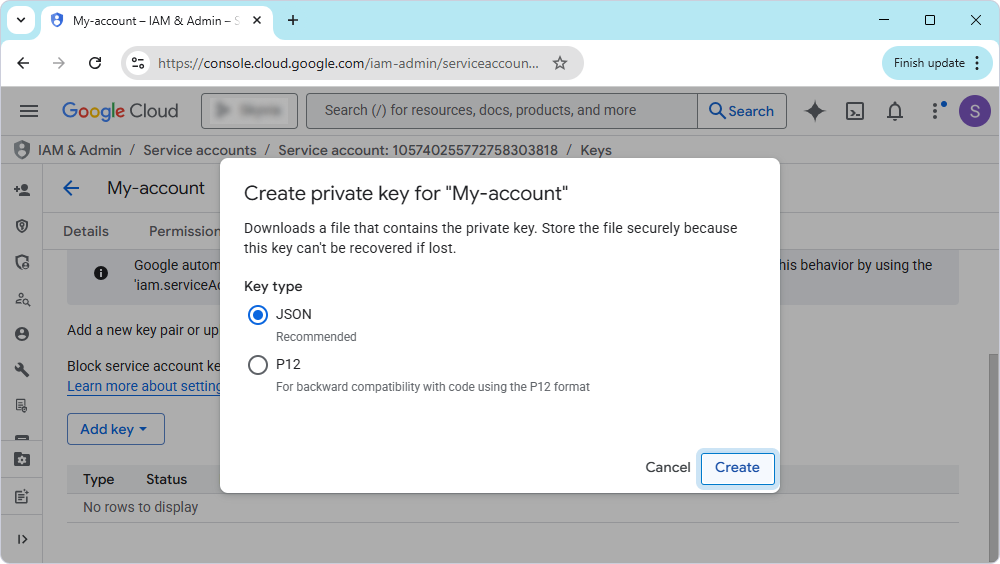
7. Select the path to save the file on your computer and click OK.
The JSON file is downloaded to your computer.