Uninstall the driver
To uninstall ODBC Driver for Zoho CRM on Windows:
1. To open the Control Panel, press Windows + R, type control, then press Enter.
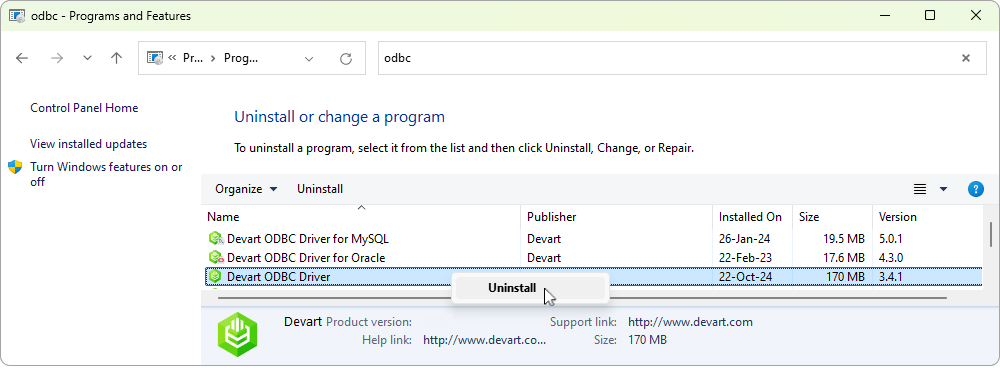
2. Navigate to Programs > Programs and Features > Uninstall a program.
3. In the list of installed programs, right-click Devart ODBC Driver for Zoho CRM, then click Uninstall.
4. Follow the uninstallation wizard prompts to complete the process.
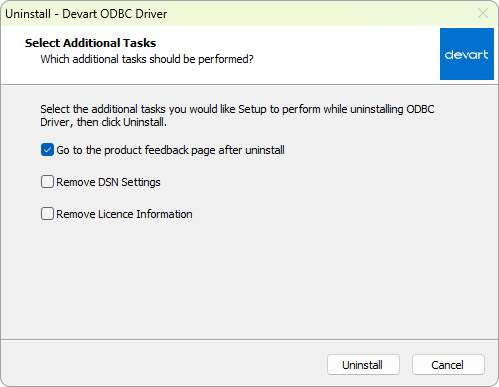
5. Optional: If you want to remove the associated DSN configurations manually:
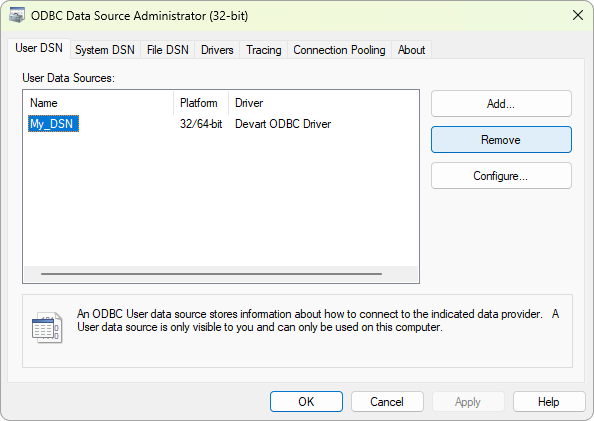
5.1. Open the ODBC Data Source Administrator.
5.2. Remove any entries associated with the driver on the User DSN or System DSN tabs.