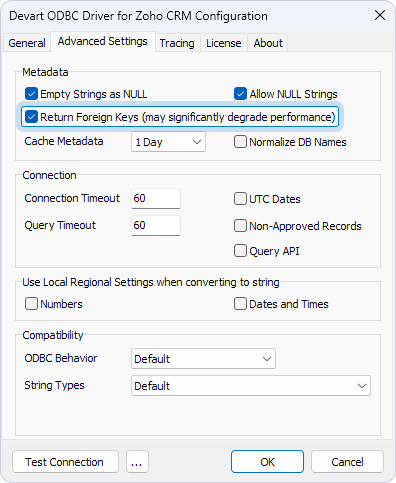
Foreign keys retrieval
Retrieving metadata from cloud services generally takes longer compared to traditional databases, with foreign key retrieval being one of the most time-consuming operations.
By default, the driver doesn’t include foreign keys in the metadata it retrieves from Zoho CRM. This improves application performance by reducing the amount of data processed and transferred, resulting in faster metadata retrieval and lower resource consumption.
If your application needs foreign keys, you can enable their retrieval.
To enable foreign keys retrieval:
1. In the ODBC Data Source Administrator, select your DSN, then click Configure.
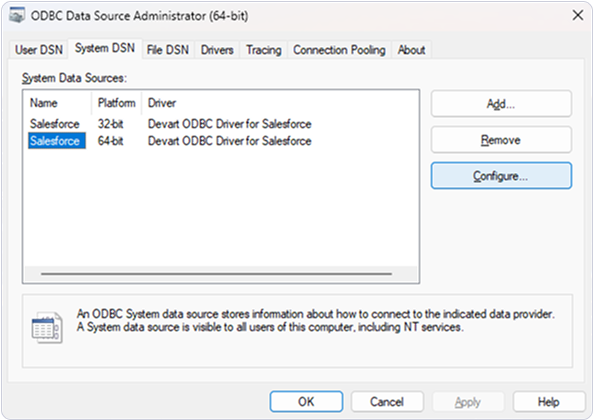
2. Navigate to the Advanced Settings tab.
3. Select Return Foreign Keys.
4. Click OK.