Connect Omnis Studio to xBase
When you use Devart ODBC Driver for xBase in Omnis Studio, tables and other database objects from the dbo schema might not appear in SQL Browser because Omnis Studio treats these as system objects and hides them by default.
To show the required tables and objects, enable system objects in session settings:
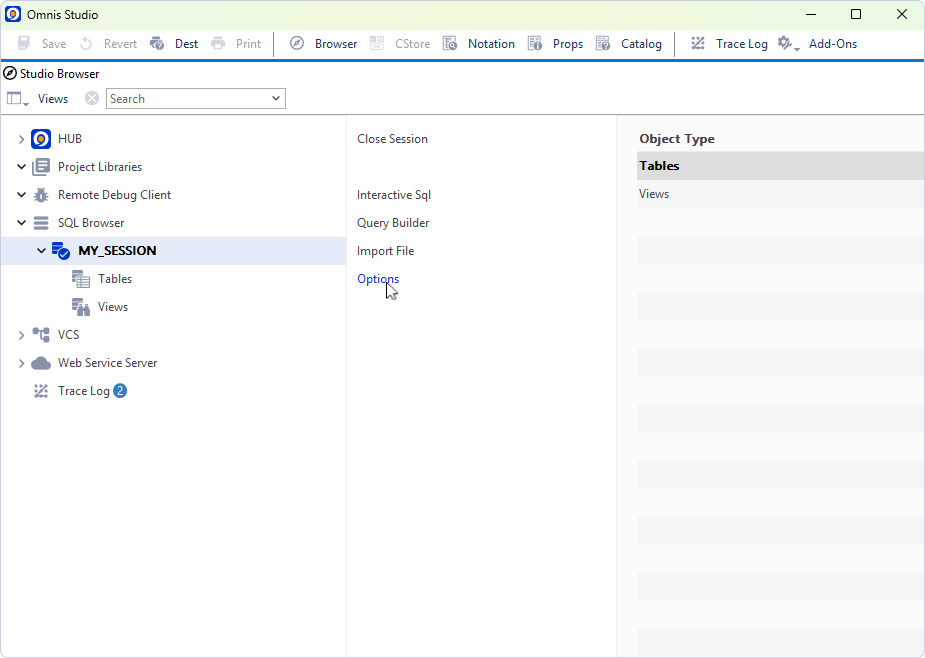
1. In your current session, navigate to SQL Browser.
2. Click Options.
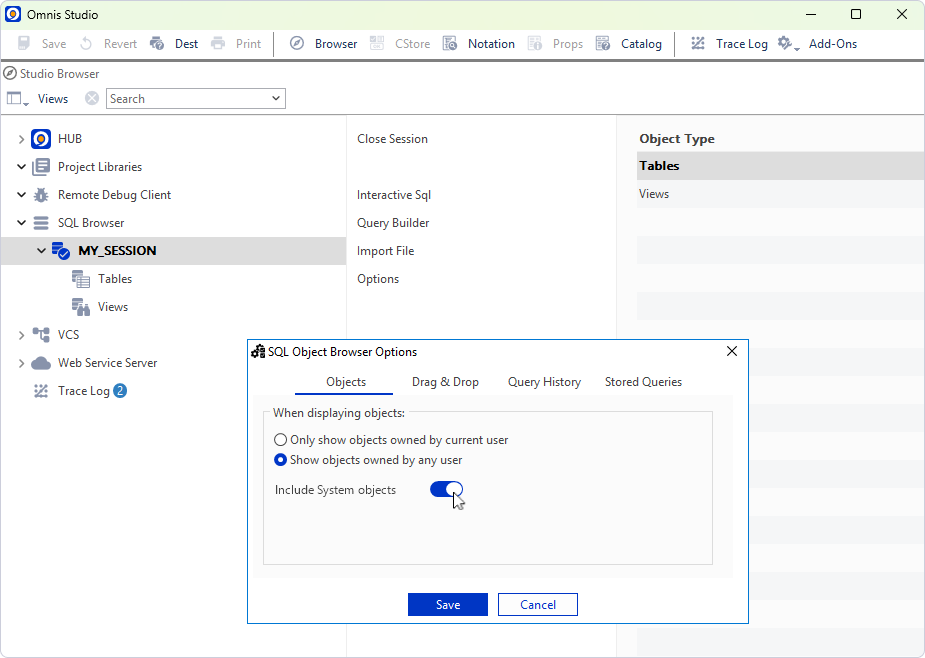
3. Select Include System Objects.
4. Click Save.
All required tables and objects from the dbo schema now appear in Omnis Studio.