Uninstall the driver
You can remove ODBC Driver for xBase from your macOS system using either Finder or Terminal.
Uninstall the driver using macOS Finder
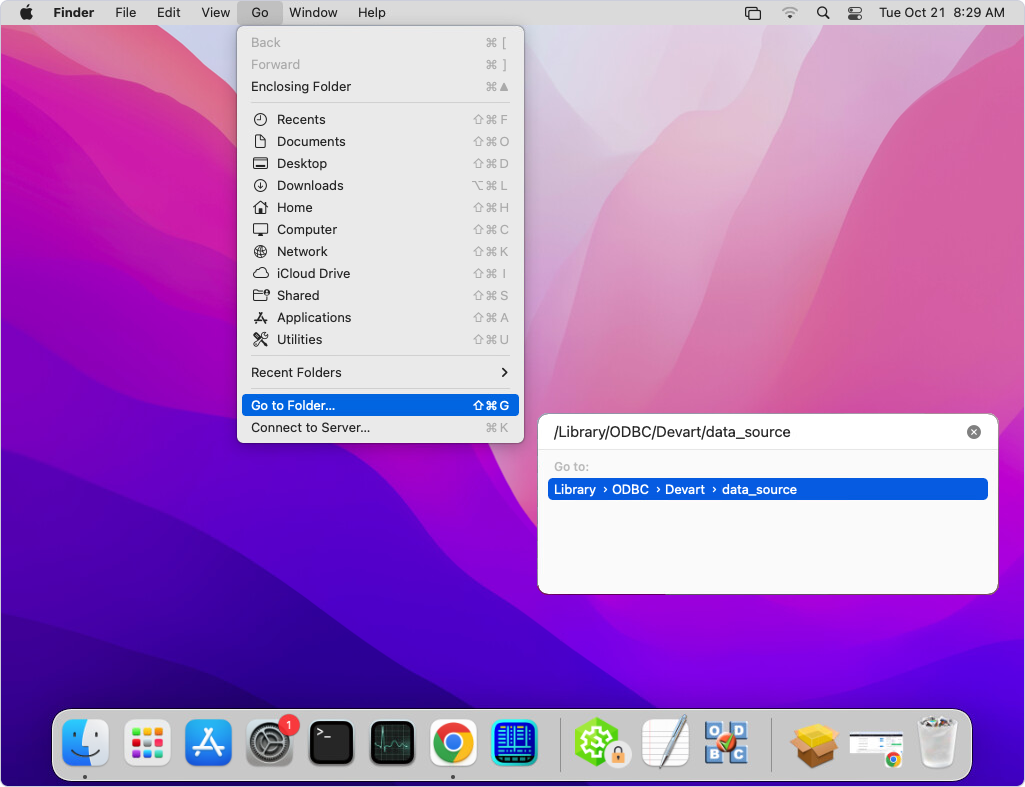
1. In Finder, navigate to Go > Go to Folder.
2. Enter /Library/ODBC/Devart/xBase in the search field.
3. Double-click the matching folder to open it.
4. Delete the driver installation directory.
Uninstall the driver using Terminal
1. In Terminal, navigate to the ODBC Driver for xBase installation directory.
cd /Library/ODBC/Devart/xBase
2. Delete all files from the driver directory.
sudo rm -rf /Library/ODBC/Devart/xBase
