Create a DSN in the odbc.ini file
A sample DSN named DEVART_XBASE is created during the driver installation. You can configure and adjust the DSN parameters as needed.
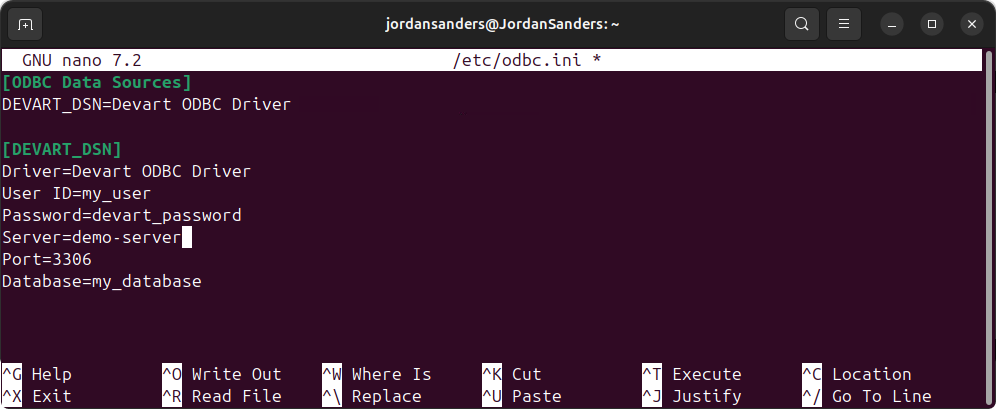
1. Open the odbc.ini file in a text editor, for example, nano.
sudo nano /etc/odbc.ini
2. Add the configuration for your DSN in the odbc.ini file.
[DEVART_XBASE]
Driver=Devart ODBC Driver for xBase
Database=your_database_files_location
DBFFormat=your_database_format
3. Save and close the file.
4. Optional: Test the connection using isql, the ODBC command-line tool.
isql -v DEVART_XBASE
Once connected, you can run SQL queries to retrieve data from xBase.
Note
If the password isn’t saved in the DSN, you’ll be prompted to enter it at runtime when connecting to a data source. If the password is saved in the DSN, leave the User ID and Password fields empty.