Uninstall the driver
To uninstall ODBC Driver for SQLite on Windows:
1. Open the Control Panel: Press Windows + R, type control, then press OK.
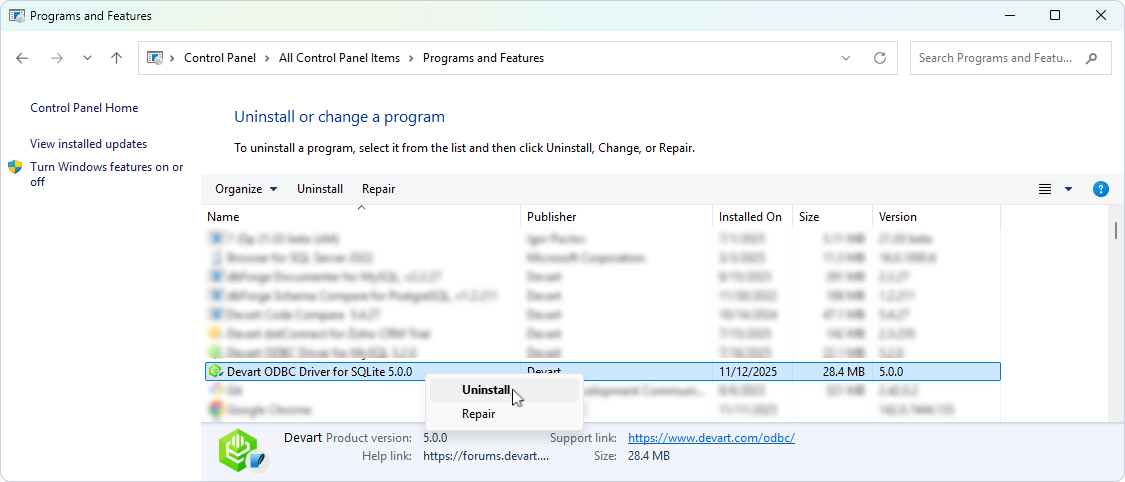
2. In the Control Panel, navigate to Programs > Programs and Features > Uninstall a program.
3. In the list of installed programs, locate Devart ODBC Driver for SQLite. Right-click it, then click Uninstall.
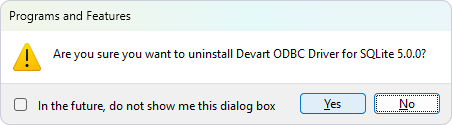
4. To confirm that you want to uninstall the driver, click Yes.
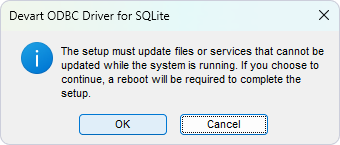
5. Finally, click OK.
6. Optional: If you want to remove the associated DSN configurations manually:
6.1. Open ODBC Data Source Administrator.
6.2. Remove any entries associated with the driver on the User DSN or System DSN tabs.
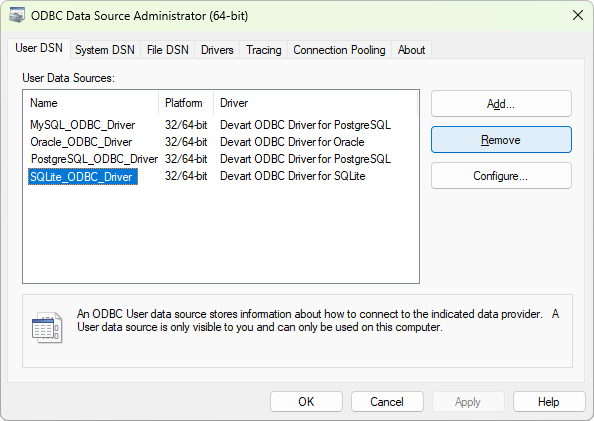
6.3. To confirm that you want to delete the DSN, click Yes, and then OK.