Connect Tableau Desktop to Oracle
Tableau is a data visualization tool that enables users to connect to various data sources, analyze data, and create interactive dashboards and reports. It supports both live connections and imported data for flexible analysis. You can use an ODBC driver to connect and load Oracle data into Tableau Desktop.
To load Oracle data:
1. Open Tableau Desktop.
2. On the Connect pane, under To a Server, select Other Databases (ODBC).
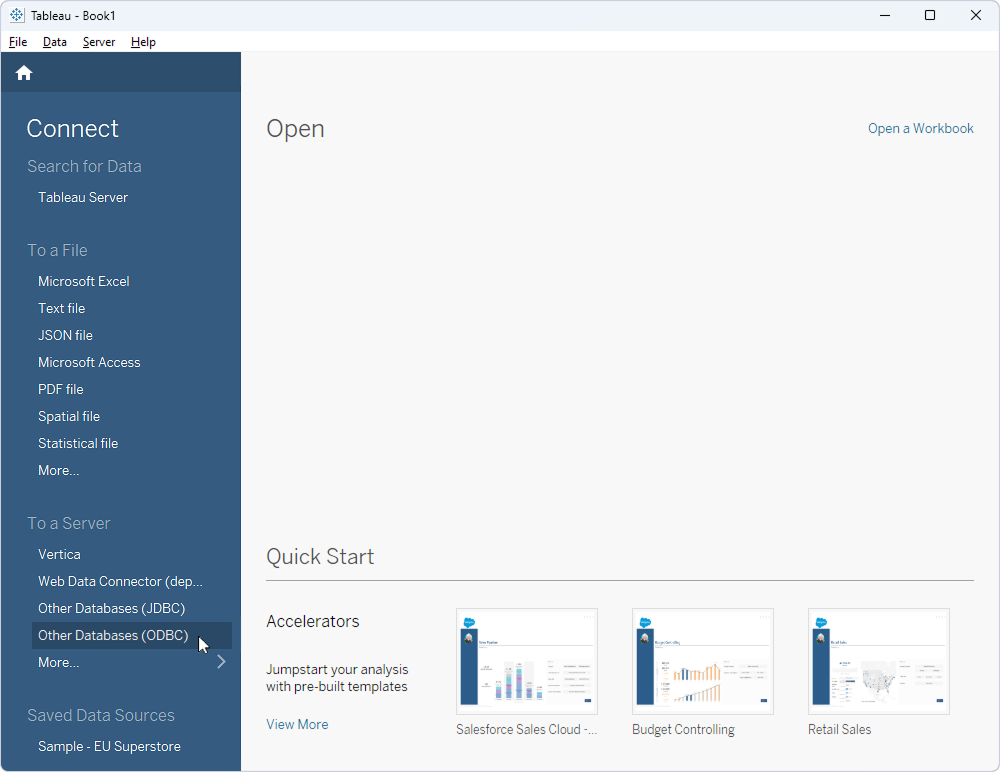
3. Specify your Data Source Name (DSN):
- If you already have a DSN, select it under DSN, then click Connect.
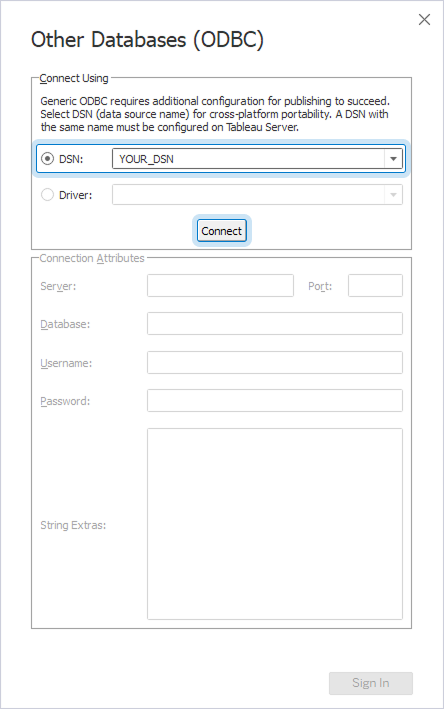
-
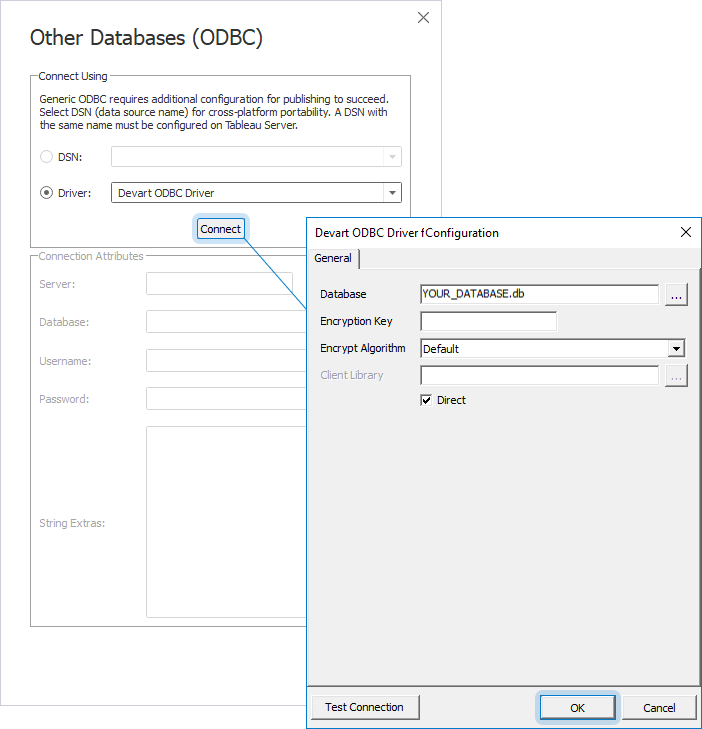
If you don’t have an existing DSN:
- Select Driver.
- Under Driver, select Devart ODBC Driver for Oracle, then click Connect.
- In the Devart ODBC Driver for Oracle Configuration dialog, enter your connection details.
- Click OK.
4. After the connection request is processed, click Sign In.
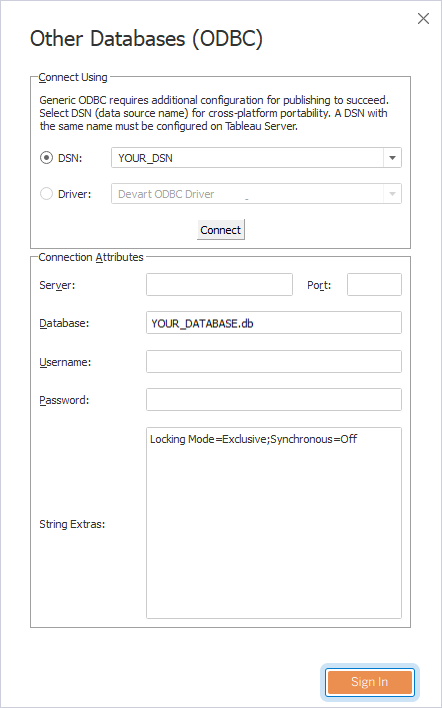
The Data Source page opens.
5. Drag tables from the left pane onto the canvas. Alternatively, double-click New Custom SQL to enter a custom query.
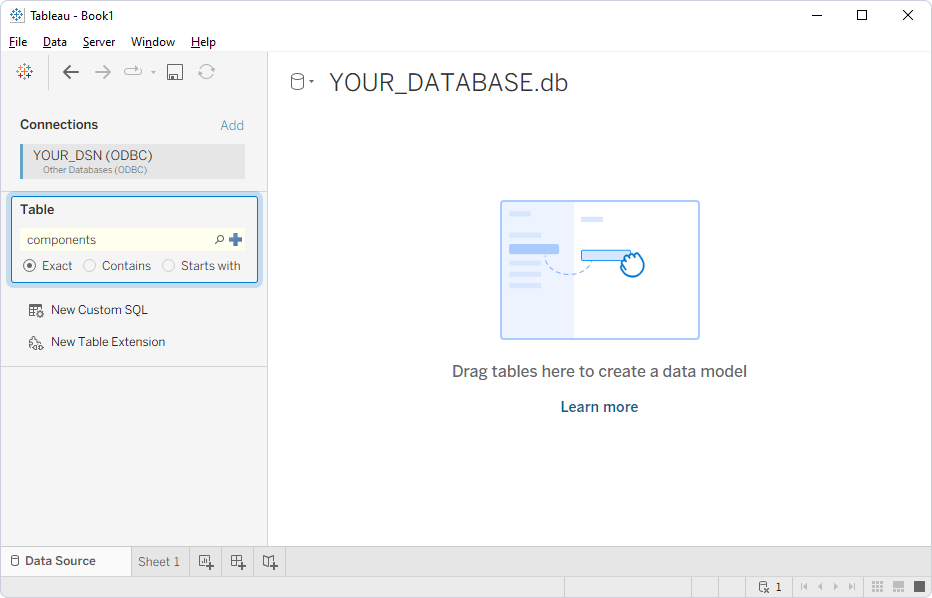
The table information appears on the canvas.
