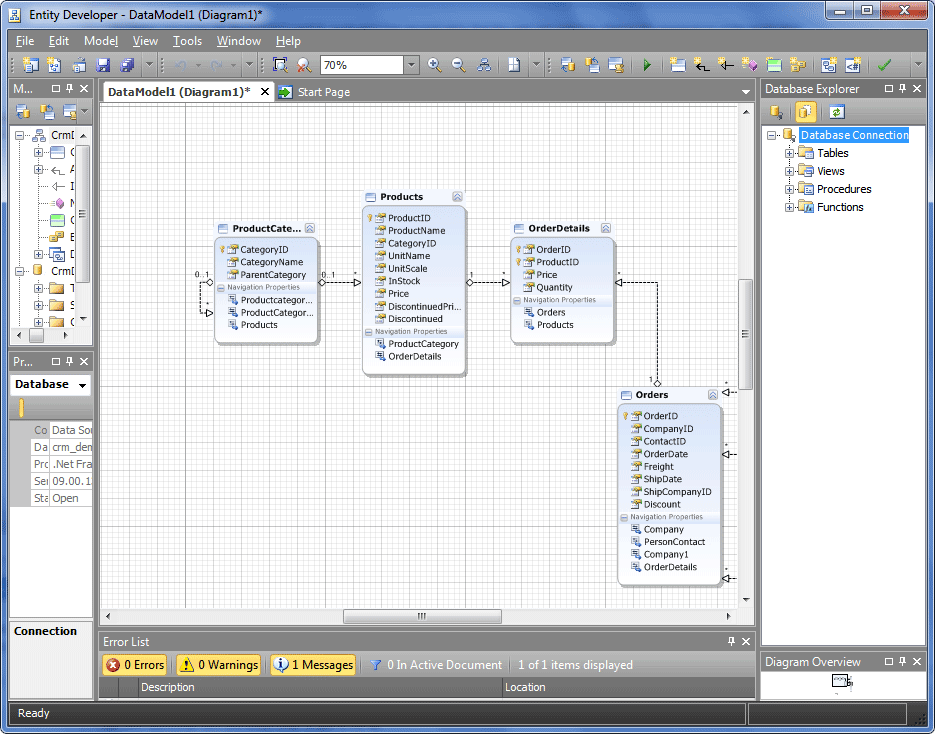
Application skins
For better convenience, the Entity Developer application has several skins that the user can select to change the appearance of the application.
Note
This functionality is available exclusively in the standalone version of the application.
As standard, the following skins are available:
- Silver (default)
- Blue
- Black
- Windows 7
- Old style
To select the required skin, go to Tools > Skins and make the selection.
Below is the example of the application GUI with the Black skin applied: