Defining query
This dialog box allows you to create an entity from a SELECT statement.
To call the Defining Query Editor dialog box, right-click the Storage Model node in the Model Explorer docking window, in its context menu select the Add sub-menu, then select New Defining Query.
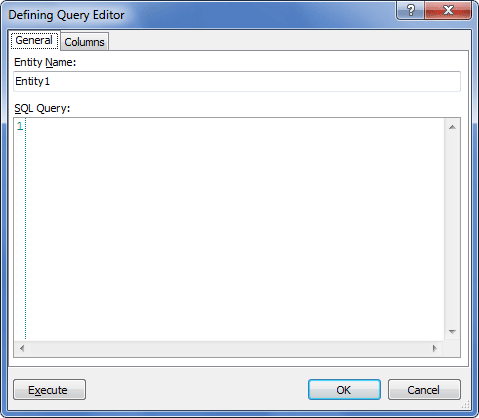
The following options are available:
General tab
Entity Name – set the name for the entity here.
SQL Query – enter the select statement for the entity.
Execute – click this button to execute the entered query and preview data.
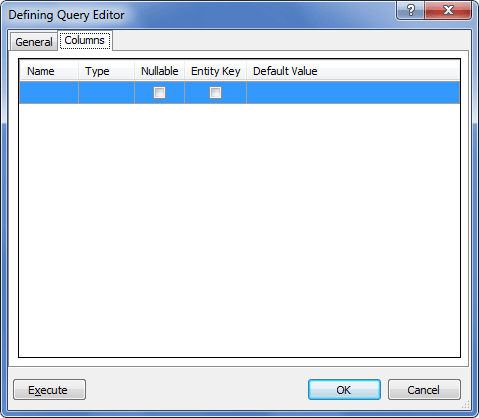
Columns tab
This tab displays information about the storage entity columns.
Name – column name.
Type – column data type.
Nullable – determines whether the column can be NULL.
Entity Key – determines whether the column is included into entity key.
Default Value – displays the default value of the column.