
dotConnect for MongoDB Documentation
The DataLink component provides advanced data binding capabilities for Windows Forms (WinForms) applications. It simplifies the process of connecting controls to data sources and supports cross-form data binding through InterForm technology.
This article describes the DataLink component, its features, and how to use it with InterForm technology to manage shared data sources across multiple forms.
The DataLink component lets you bind Windows Forms controls to various data sources through a consistent interface. It simplifies data binding and provides additional functionality compared to traditional data-binding approaches.
Key advantages include:
IBindingList interface.
DataLink is built on the .NET Framework BindingSource class and can be used as an advanced alternative to BindingSource.
You can find the DataLink component on the MongoDB Data tab of the Visual Studio Toolbox.
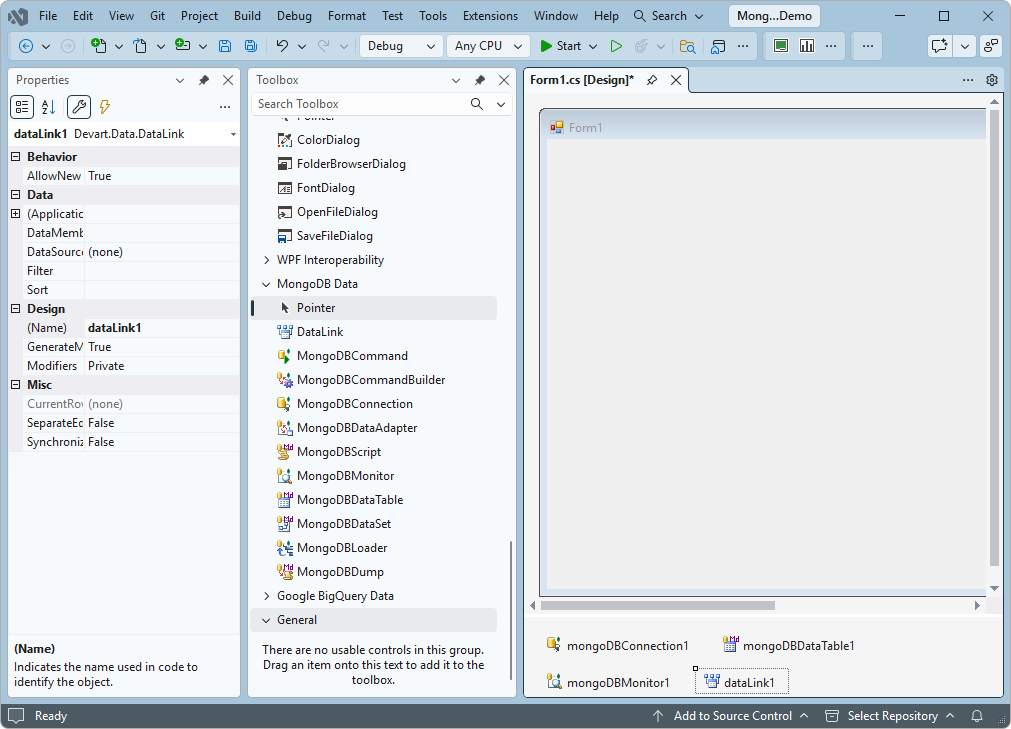
DataLink provides a consistent interface for accessing different types of data sources, reducing the amount of code required to implement data binding.
For data sources that support change notifications, DataLink automatically communicates changes between the data source and bound controls. For data sources without built-in change notifications, it provides events that let you trigger notifications manually.
DataLink supports the following features:
IBindingList interface.IEnumerable.IBindingListView interface to sort and filter data.BindingNavigator control.For more information about these features, see BindingSource Component Architecture in the Microsoft documentation.
DataLink supports InterForm technology, letting you bind controls to data sources located on different forms within the same application. For example, you can synchronize the current positions of two datasets on different forms without writing additional code.
DataLink supports:
DataLink also provides a design-time property editor that lets you select data sources from any form currently open in the Visual Studio designer. This makes it easier to configure cross-form data binding and manage shared data access components without manually establishing references in code.
Applications with multiple forms often require a centralized data access architecture in which several controls share the same data source. DataLink, together with InterForm technology, lets you centralize data access components while retaining design-time configuration capabilities.
To configure a shared data source:
When you modify the shared data access components, the changes are automatically reflected in the controls that reference them through DataLink. This approach simplifies data source management and helps maintain consistent data binding across forms.