dbForge AI Assistant v2026.2 release notes
What’s new
This release introduces expanded context capabilities of AI Assistant by enabling you to attach documents and files to the AI chat and work with instructions directly in the chat. These enhancements provide richer, task-specific context so that AI Assistant can generate more accurate, relevant, and useful responses, excluding unnecessary details. This release also introduces a free Express license and the ability to choose from multiple large language models (LLMs) according to your preferences.
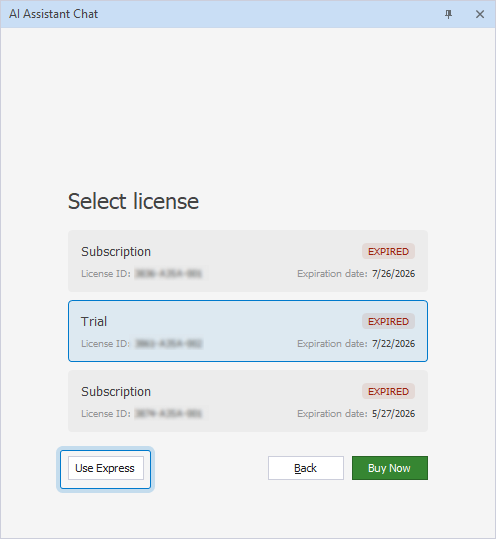
Add a free Express license
dbForge AI Assistant includes a free Express license that you can activate after your trial or subscription expires. The license supports all LLMs available in AI Assistant, provides up to 200,000 tokens per month, and retains chat history for 14 days.
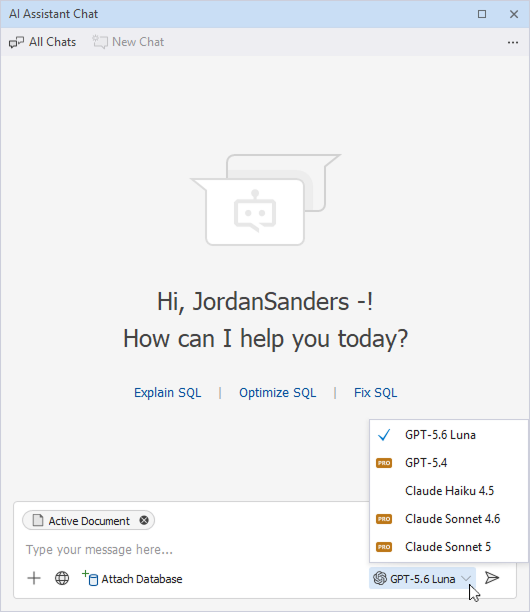
Choose a model in the AI chat
dbForge AI Assistant supports Claude Haiku 4.5, Claude Sonnet 4.6, Claude Sonnet 5, GPT-5.4, and GPT-5.5.
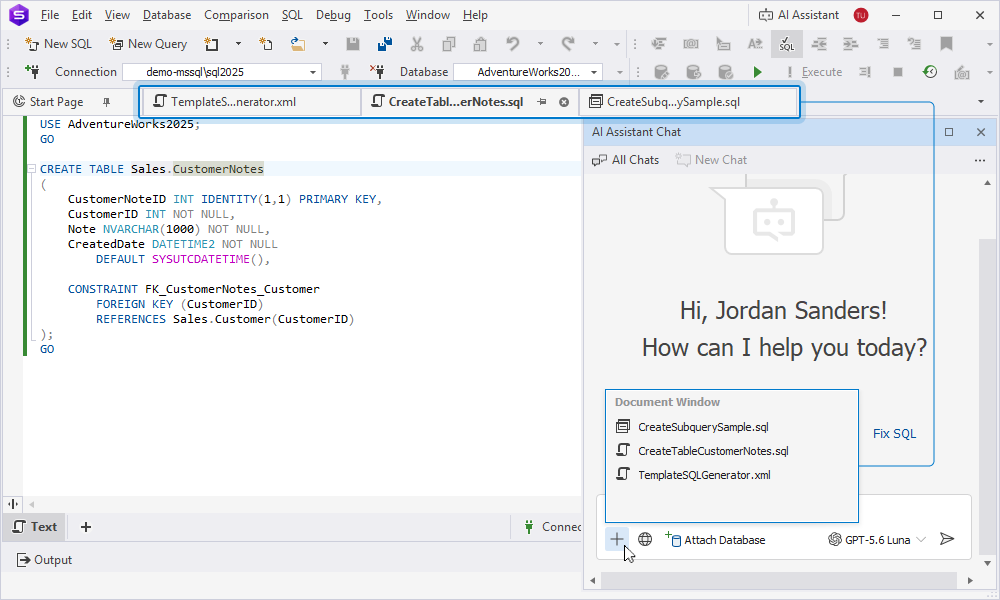
Attach documents to the AI chat
You can attach documents that are open in the dbForge tool to the prompt input box. AI Assistant captures a snapshot of each attached document and uses it as context for your request. The snapshot remains available for subsequent requests in this chat even if you save, close, or delete the document.
Work with instructions in the AI chat
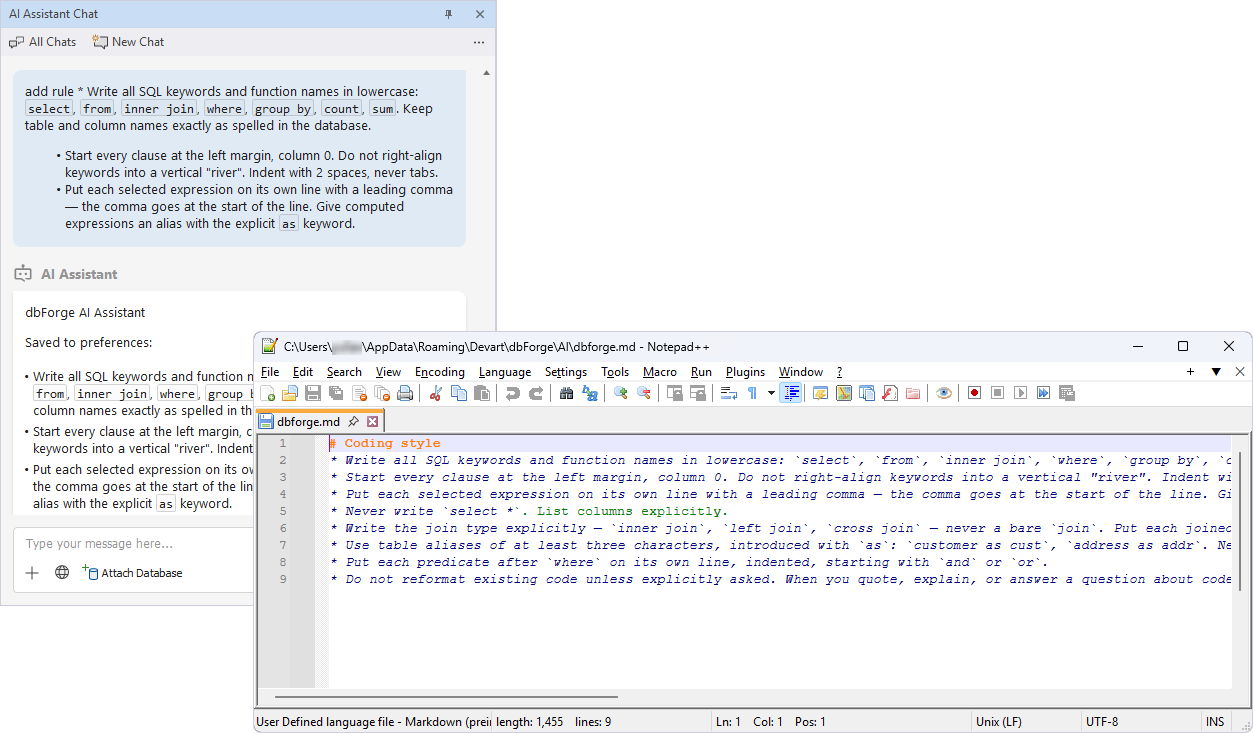
dbForge AI Assistant supports reusable instruction files and enables you to define project-specific standards and guidelines to apply them across your tasks. AI Assistant can also suggest saving reusable rules to your instruction file and create or update the file if you confirm the change.
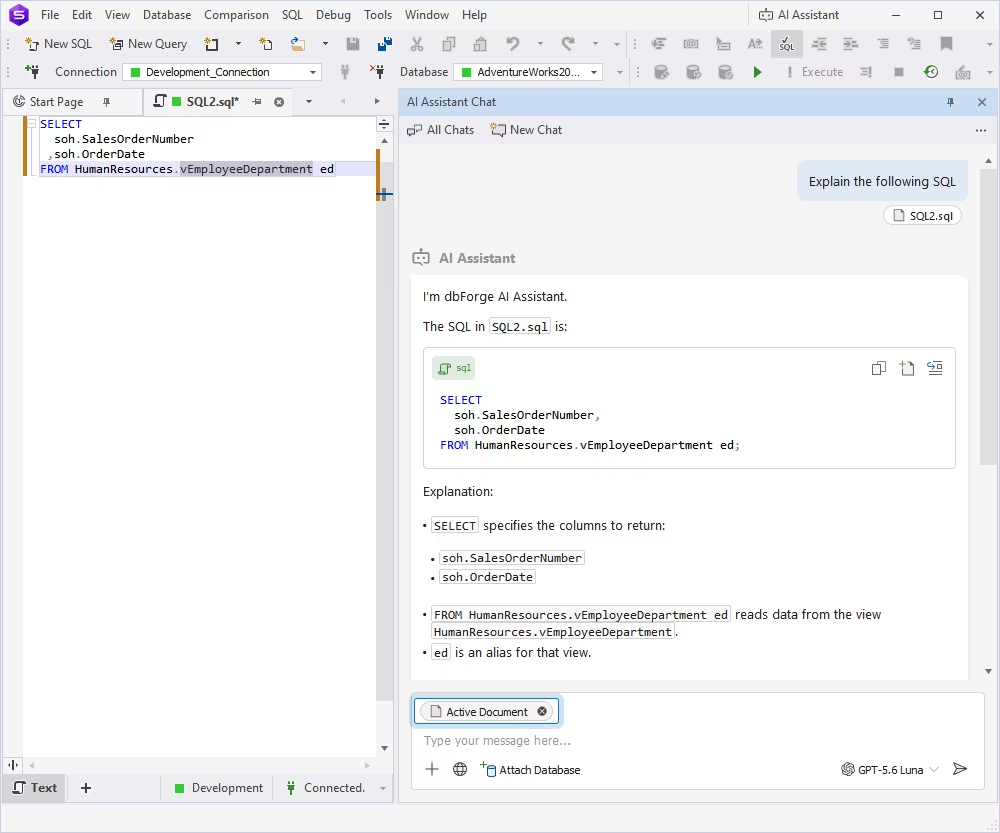
Add current document context to the AI chat
dbForge AI Assistant can automatically attach an active document as context for your chat. You submit your request, and AI Assistant uses the document contents to generate a more relevant response.